






Description
Price:
£129.00
Price last updated: Oct 14, 2026 20:19:05 UTC
From the manufacturer

The video showcases the product in use.The video guides you through product setup.The video compares multiple products.The video shows the product being unpacked. Xiaomi TV F 65 2026
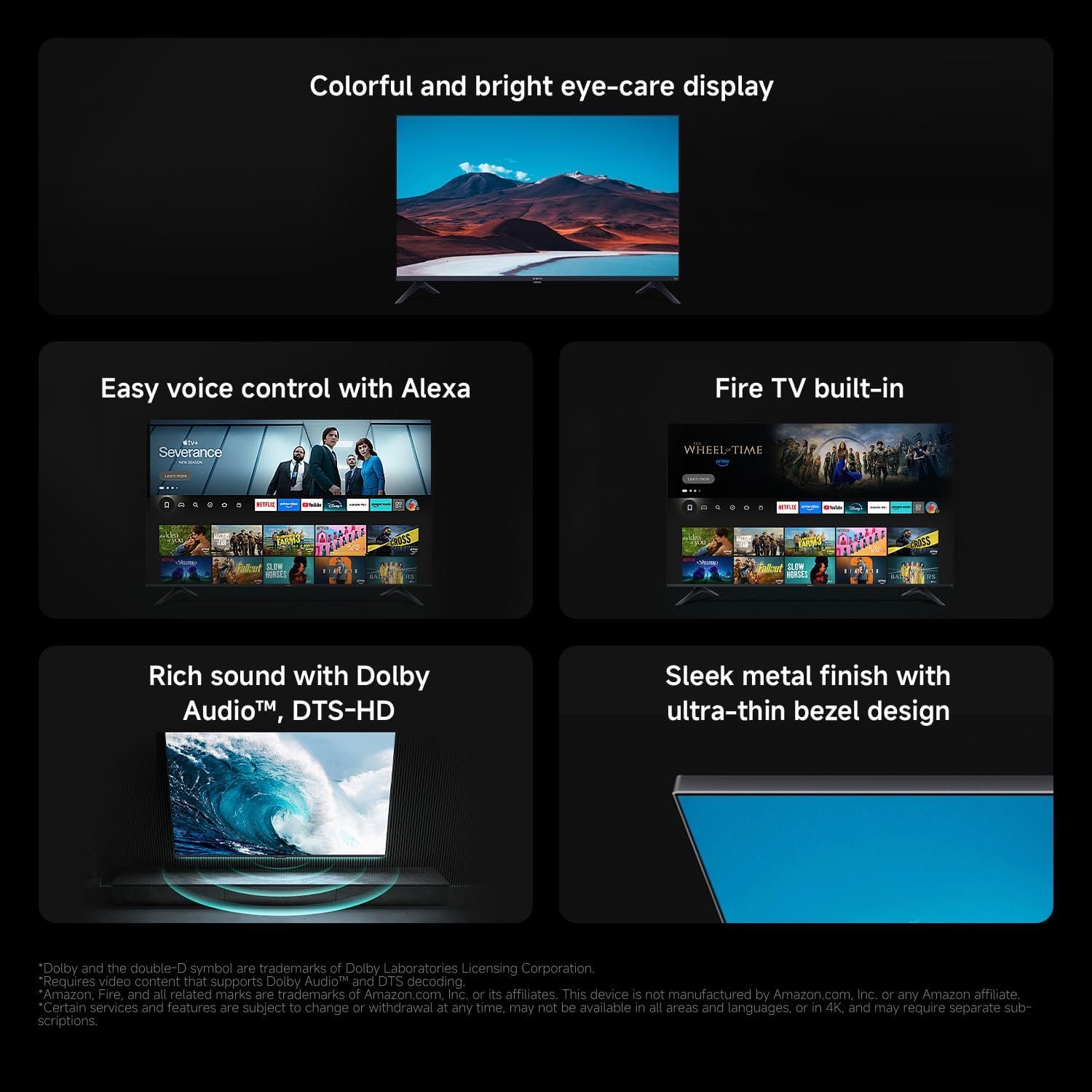
1 HD Image Quality
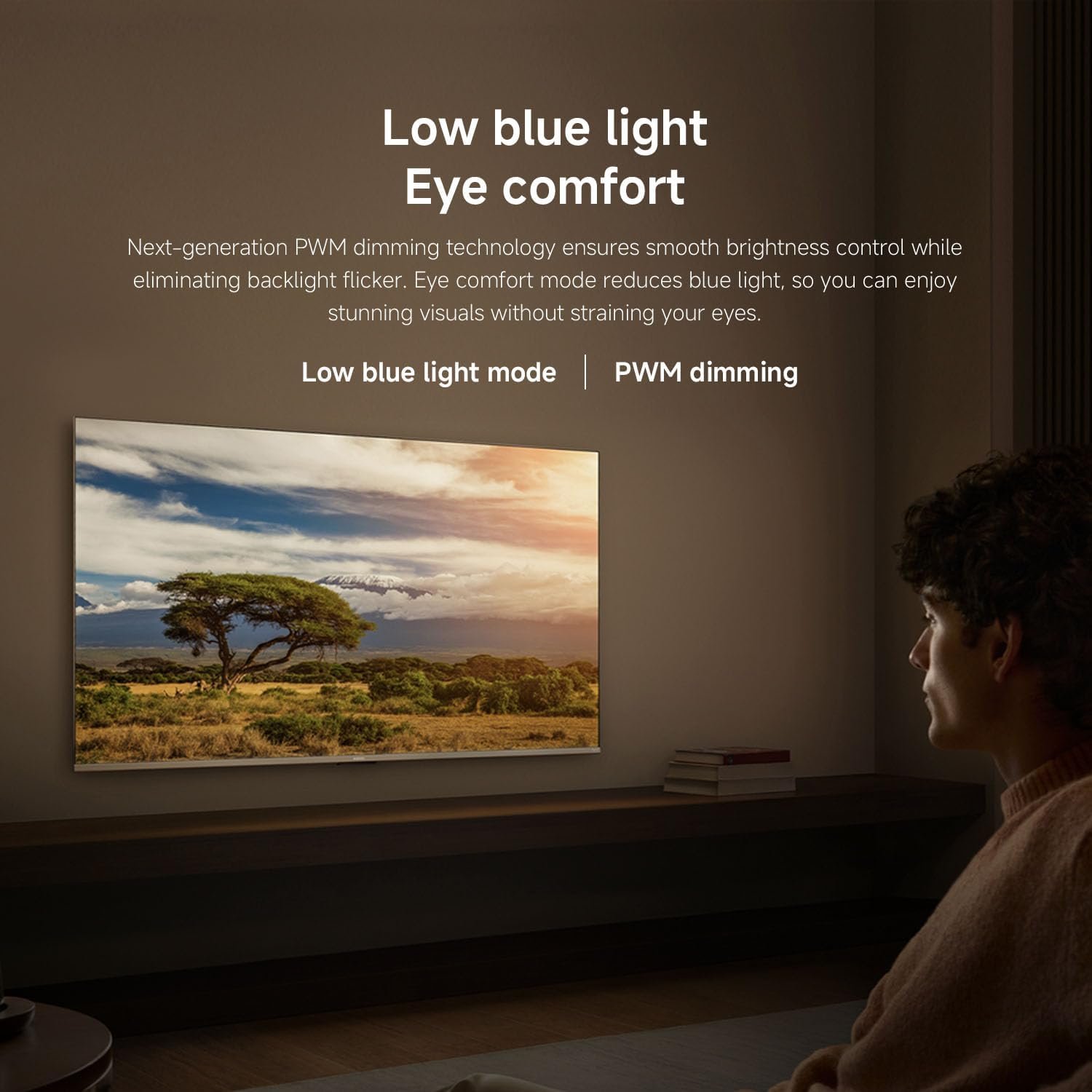
2 Low Blue Light
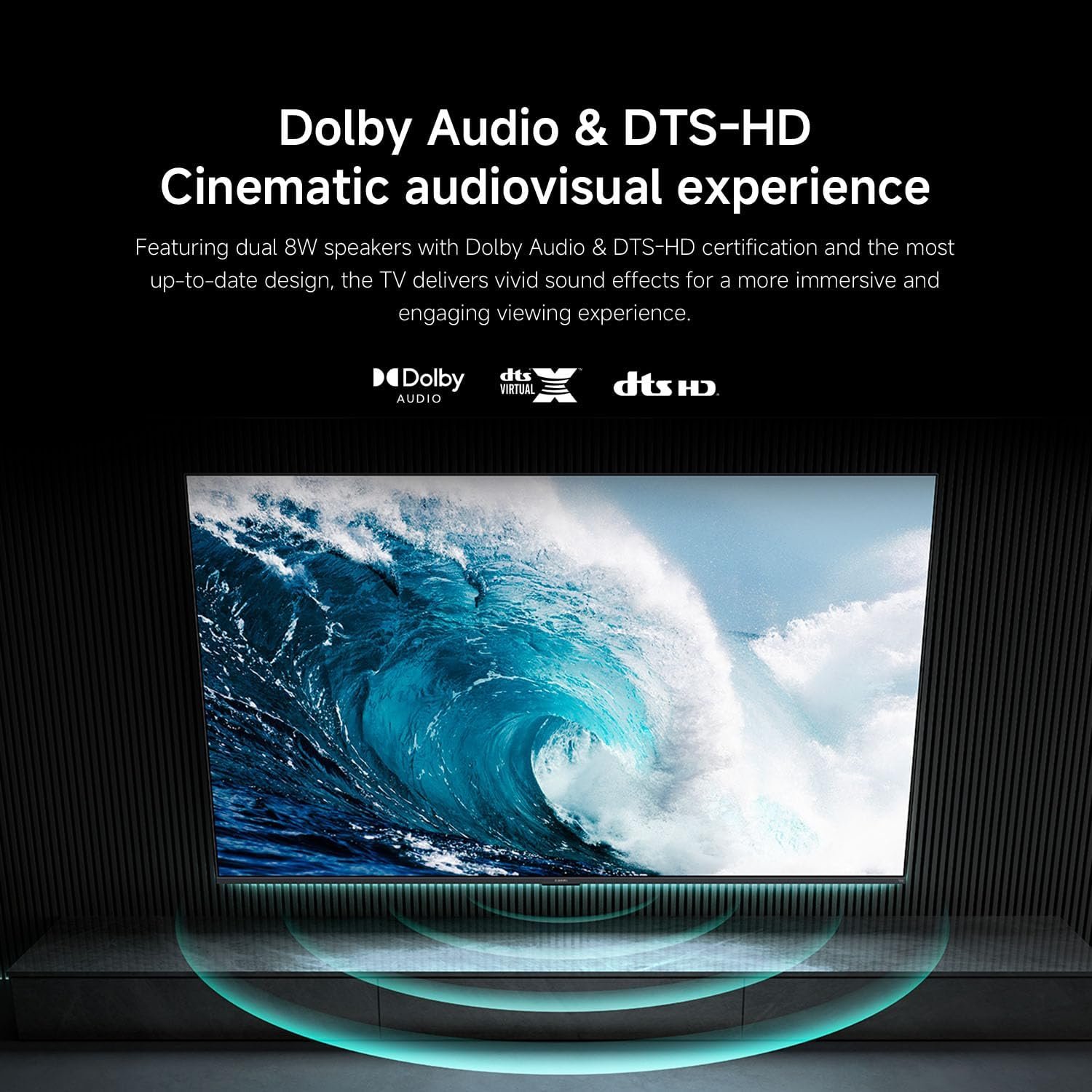
3 Dolby Audio and DTS-HD
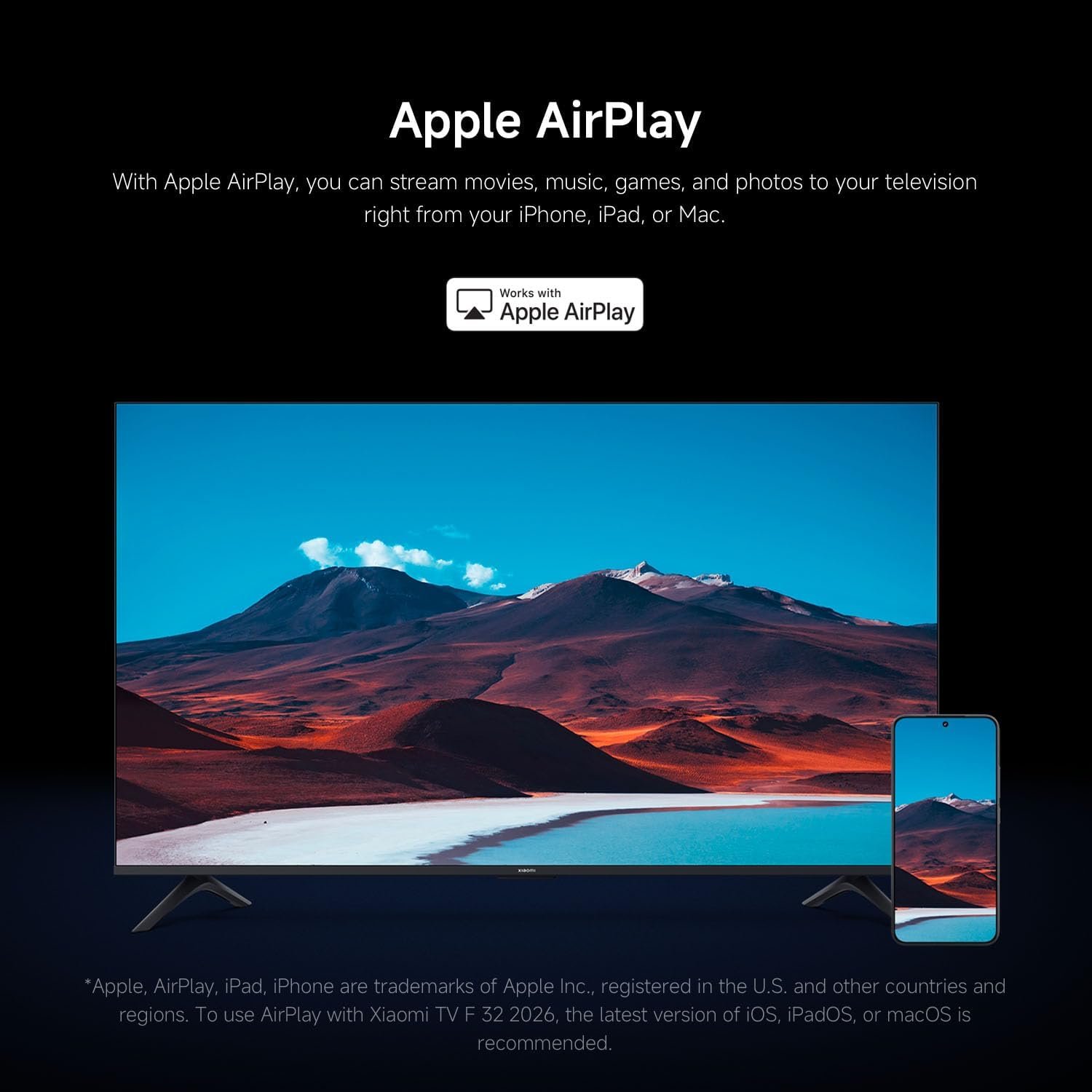
5 Apple AirPlay
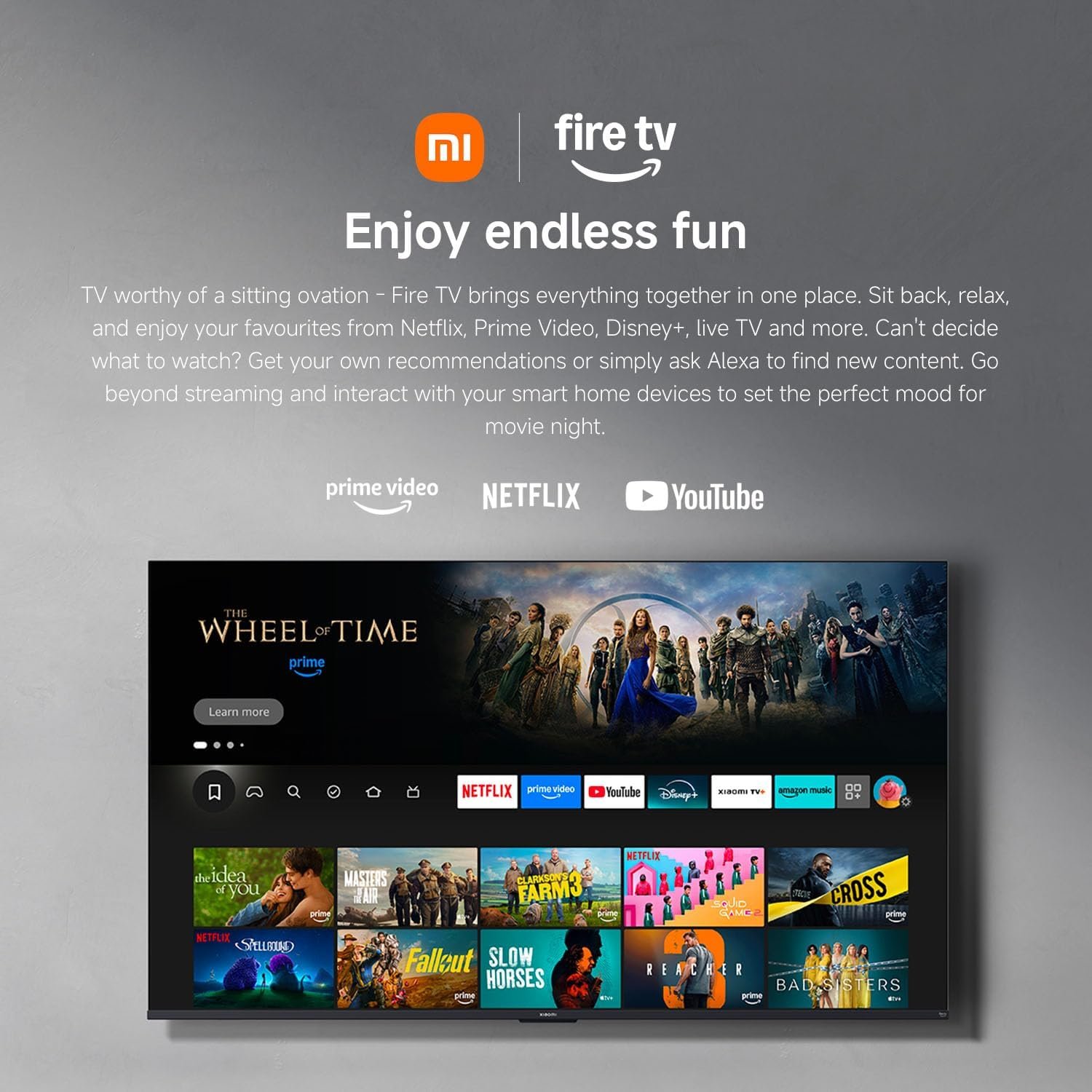
1 Fire TV Built-In
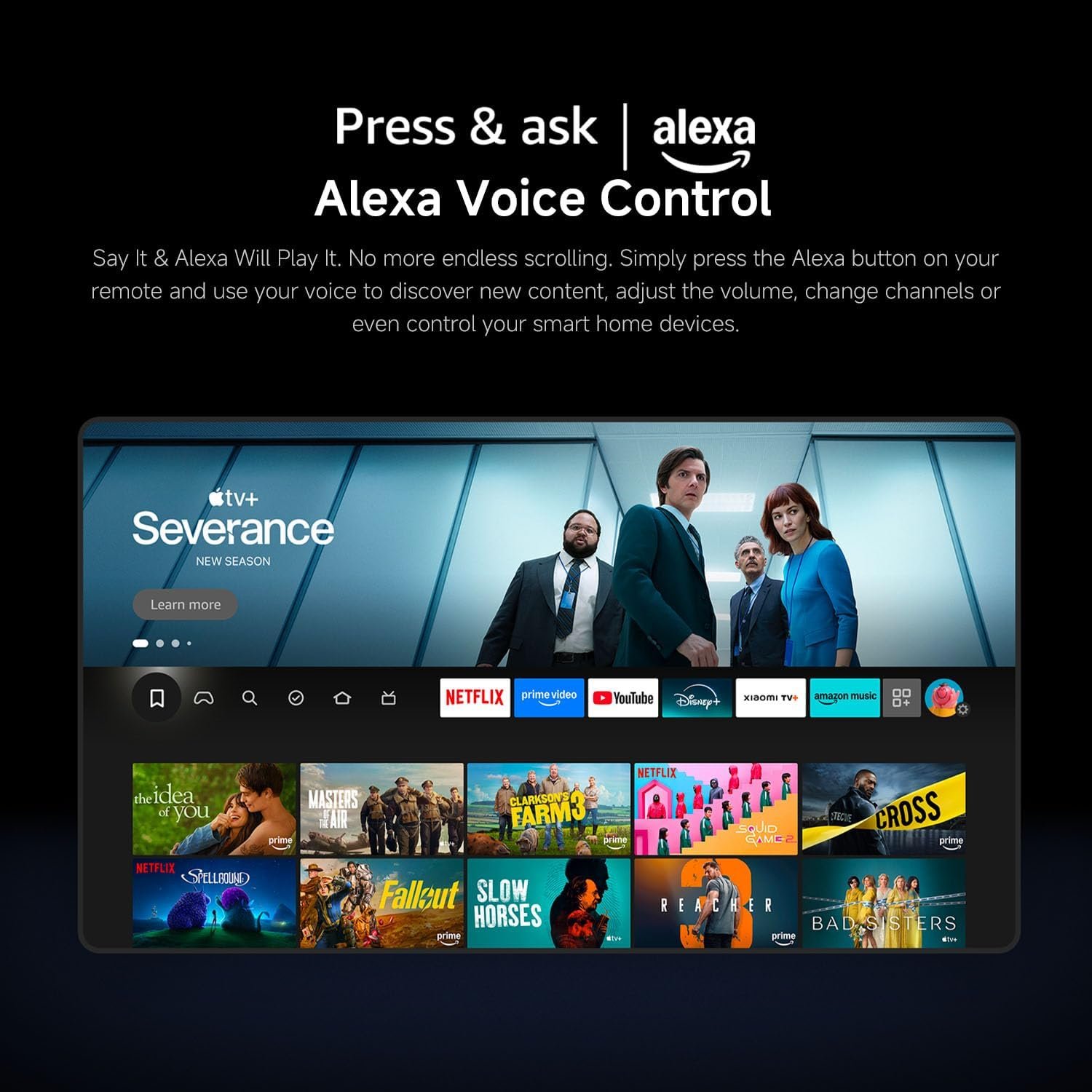
2 Alexa Voice Control
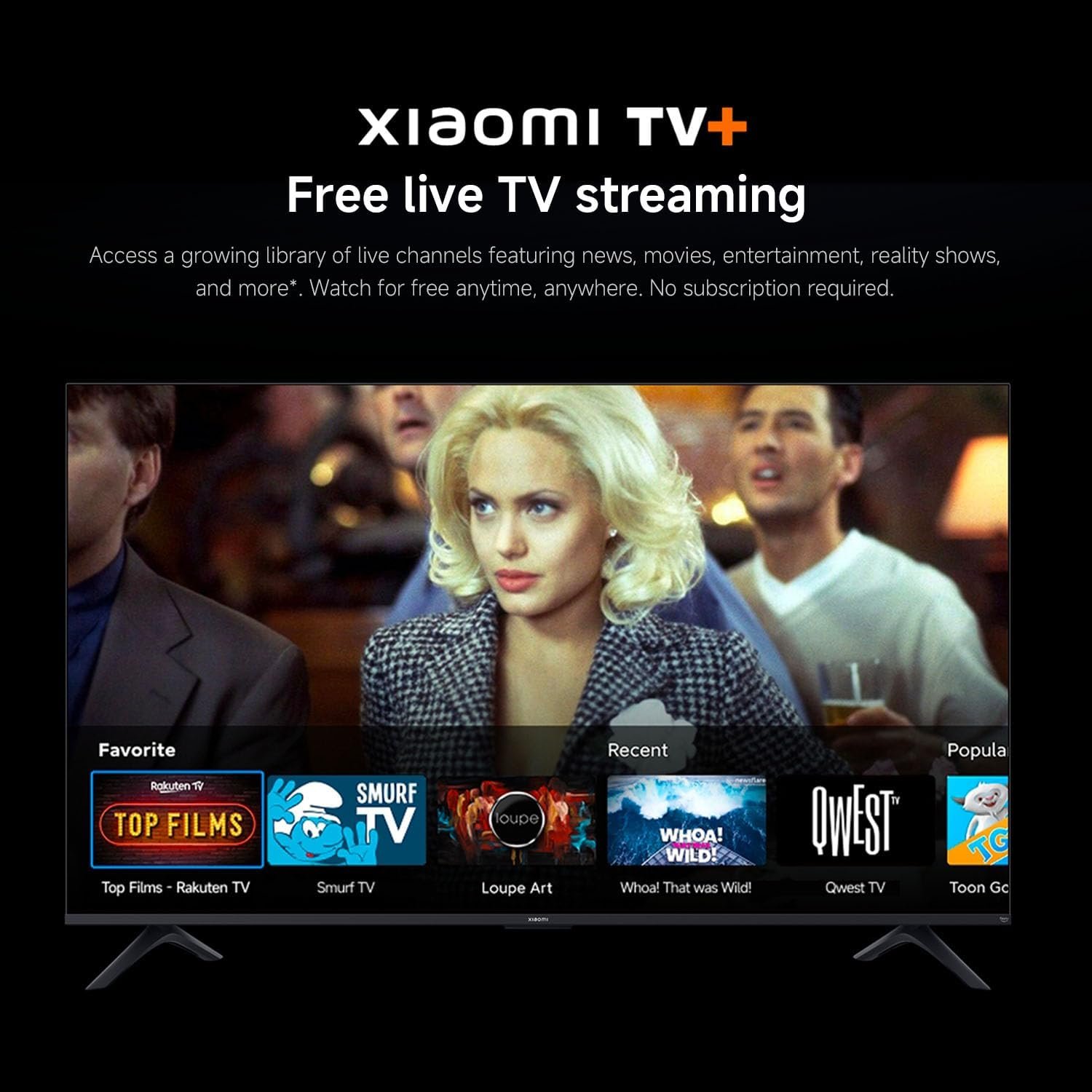
3 Xiaomi TV+ Streaming
1 Sleek Metal
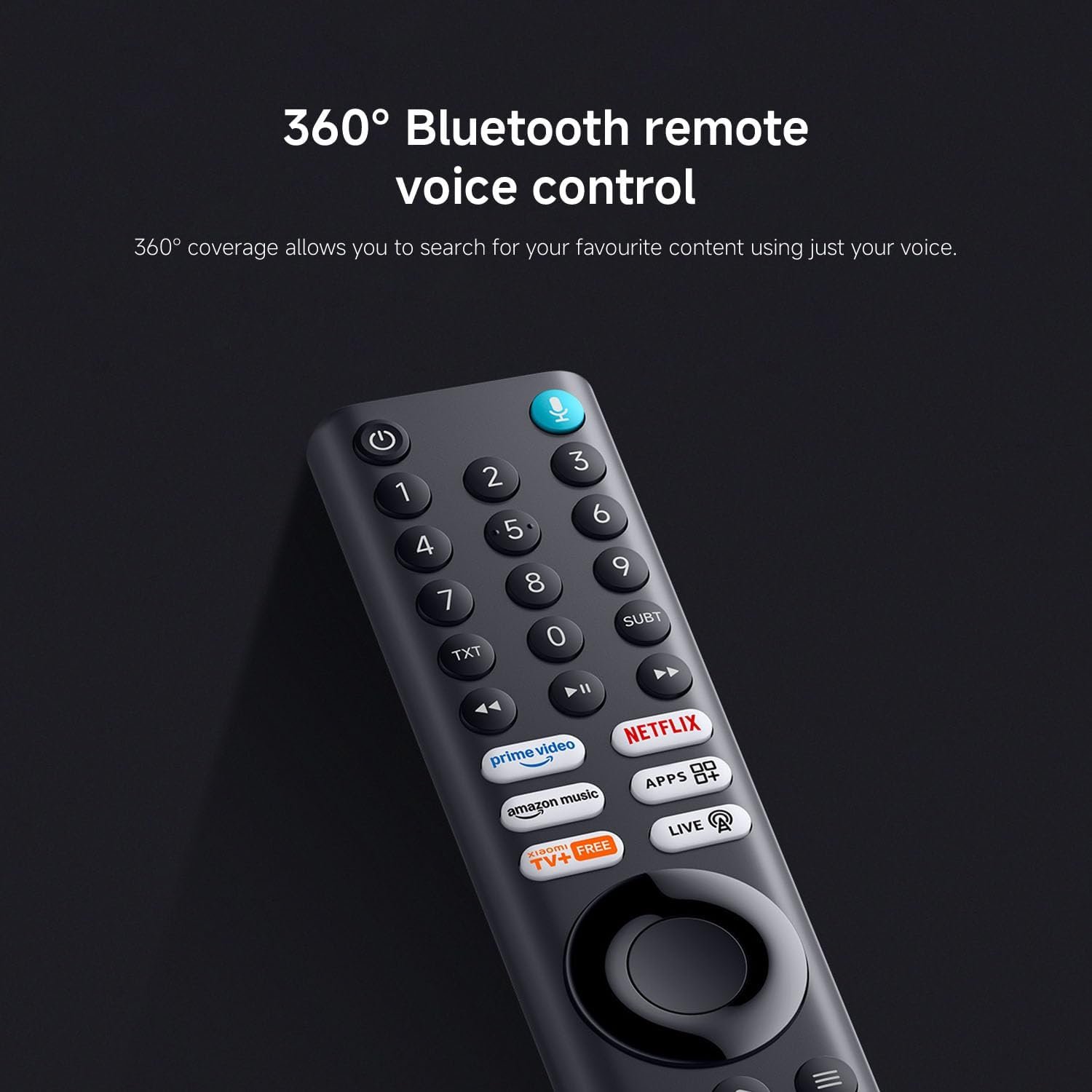
2 360° Voice Control
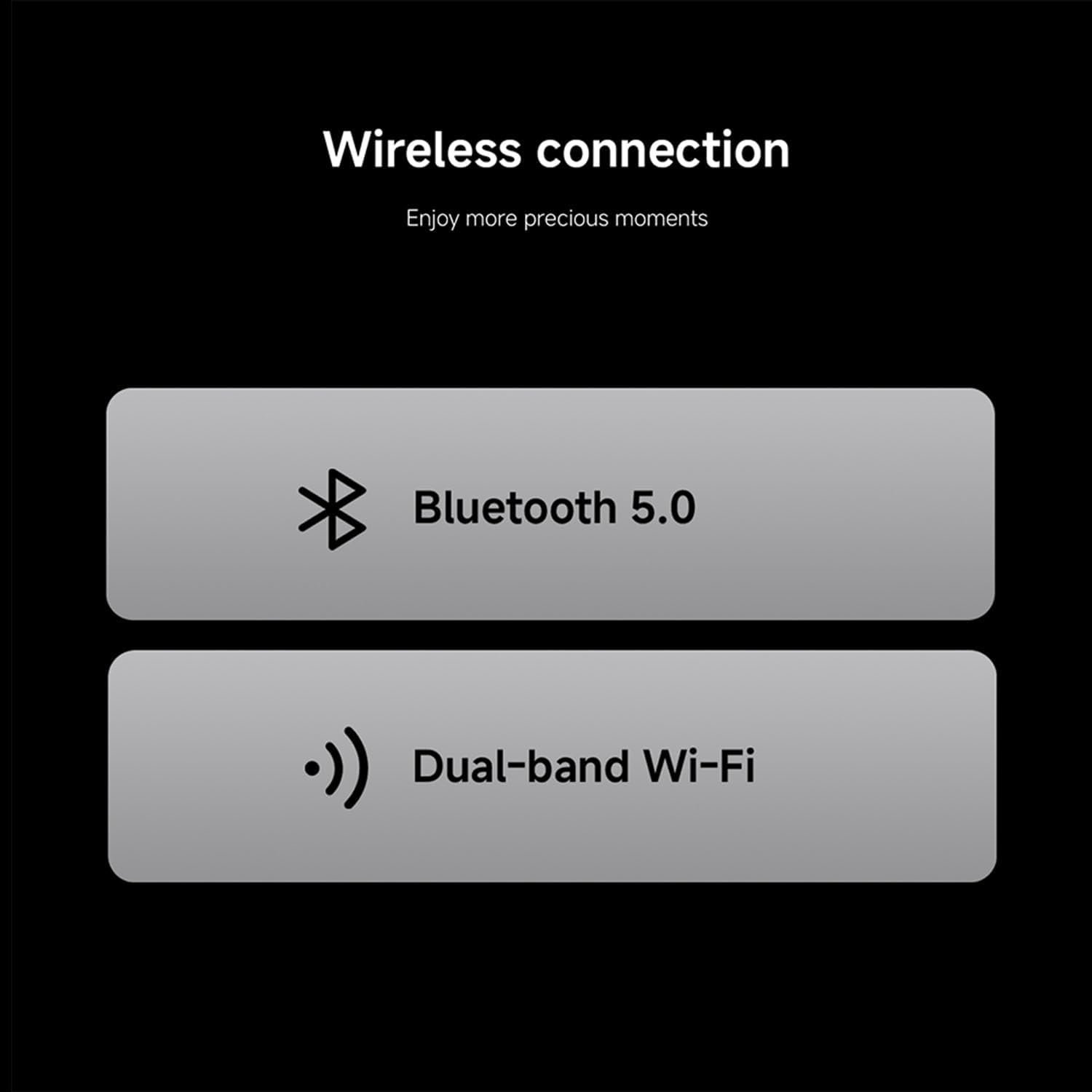
3 Wireless Connection
Comparision Chart
Add To Basket
Add To Basket
Add To Basket
Add To Basket
Customer Reviews
4.4 out of 5 stars 532
4.1 out of 5 stars 349
4.1 out of 5 stars 12
4.4 out of 5 stars 532
Price
£129.00£129.00
£149.00£149.00
£349.00£349.00
£129.00£129.00
Available sizes
32, 43, 50, 55, 65
32, 43, 50, 55, 65, 75
43, 55, 65, 75
32
Display technology
LED
QLED
QD-Mini LED
LED
Resolution
4K
4K
4K
4K
Refresh rate
60 Hz
60 Hz
60 Hz
60 Hz
Colours
/
Quantum Dot Colour
Quantum Dot Colour
/
HDR
HDR10/HLG
HDR10+/HDR 10/HLG
HDR10+/HDR 10/HLG
HDR10/HLG
Peak brightness
200 Nits
220 Nits
550 Nits
200 Nits
Sound
DTS-HD, Virtual X, Dolby Audio
DTS-X, Virtual X, Dolby Audio
DTS-X, Virtual X, Dolby Audio
DTS-HD, Virtual X, Dolby Audio
Game mode
120Hz Game Boost Mode
120Hz Game Boost Mode
120Hz Game Boost Mode
120Hz Game Boost Mode
MEMC
✔
✔
✔
✔
Operating system
Fire TV
Fire TV
Fire TV
Fire TV
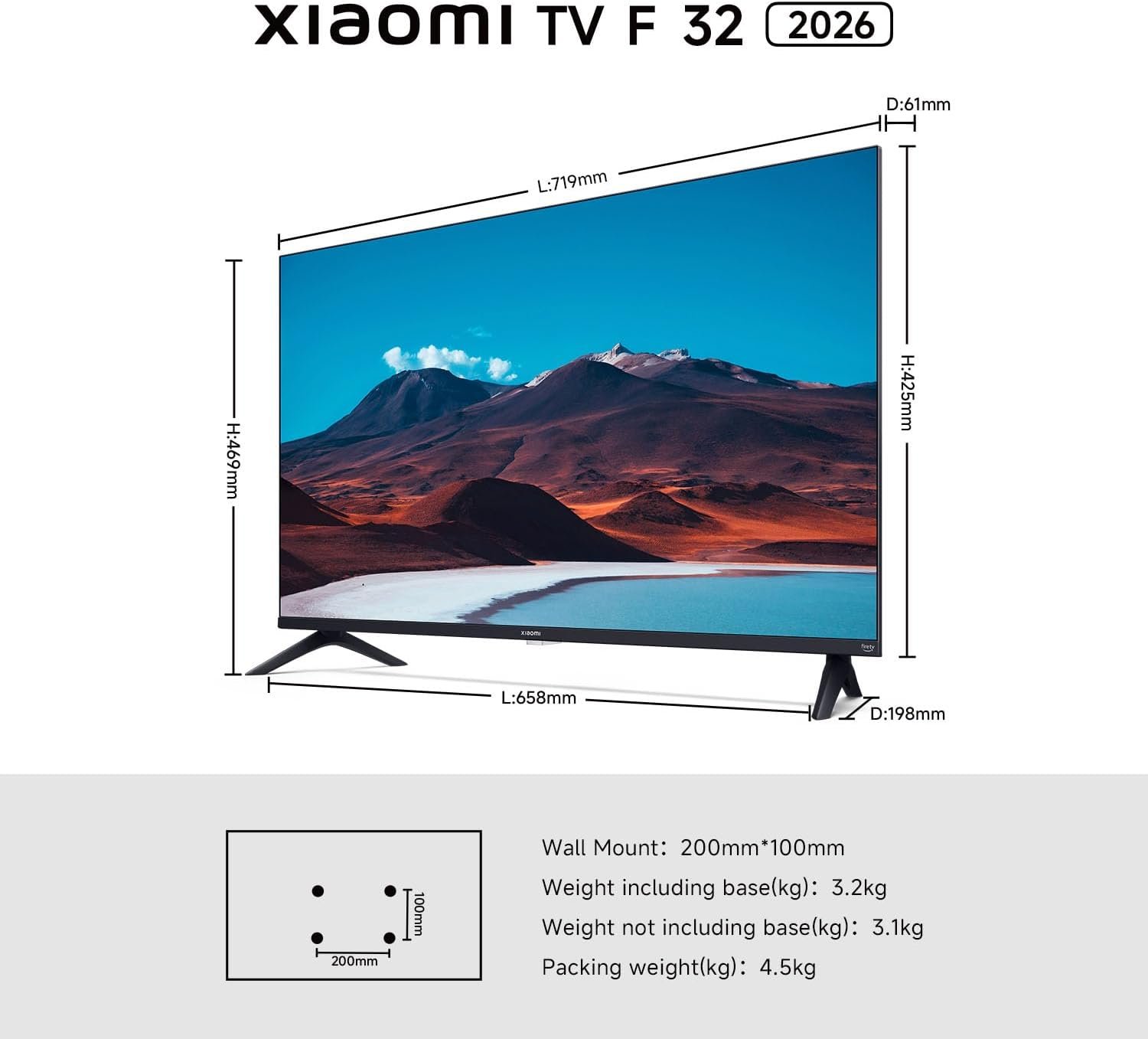
What are the compatible mounts and overall dimensions for this TV, and what is the ideal viewing distance?
“Here are the key specifications for the setup:Mount:
Standard VESA 100×200 mm
Screws: Use ST5.0x4 mm self-tapping screws
Size (WxHxD): 425 x 719 x 61 mm (without stand)
Weight: 3.1 kg (without stand);Viewing Distance: ≈0.5m (suggested)”
How to adjust the brightness on this TV?
Open Settings, select Display & Audio > Picture > Backlight, and adjust the brightness using the left/right buttons on the remote control.
How to connect headphones or other Bluetooth devices to this TV?
To automatically search for Bluetooth devices, go to Settings Menu > Remotes and Bluetooth Devices > Other Bluetooth Devices > Add Bluetooth Devices.
Note: Since the device lacks a 3.5mm headphone jack, it currently only supports USB or Bluetooth.
What interfaces does the product have?
Satellite*1 Antenna*1 Network*1 USB2.0*1 HDMI*2 CI*1 AV in*1
Dolby Audio: Immerse yourself in cinematic sound with Dolby Audio; the advanced audio technology deliver multidimensional surround sound that moves around you, just like in real life; hear every detail—from whisper-quiet dialogue to explosive action scenes – with crystal clarity; get the feeling of being right in the center of the action, whether you’re watching movies or playing games.
Fire TV: Enjoy instant access to thousands of apps like Netflix, Prime Video, Disney+, and more—all from a seamless home screen; browse, stream, and discover new content quickly and easily; personalized recommendations make finding your next favorite show effortless; it’s a smarter, faster way to watch TV
Alexa Built-in: Say it. Alexa will play it—No more endless scrolling. Simply press the Alexa button on your remote and use your voice to discover new content, adjust the volume, change channels, or even control your smart home devices.
Apple Airplay: Easily stream content from your iPhone, iPad, or Mac directly to your TV with Apple AirPlay; share photos, play videos, or mirror your entire screen wirelessly in seconds; enjoy your favorite content on the big screen without needing extra devices; it’s effortless integration with your Apple ecosystem.
Netflix & Prime Video: Stream movies, TV shows and exclusive originals instantly; enjoy hit series, blockbuster films and award-winning content anytime; with quick access and smooth playback, your favorite entertainment is always ready when you are; just sit back, relax and enjoy the show.