











Description
Price:
£399.00
Price last updated: Oct 16, 2026 20:35:35 UTC
From the manufacturer

The video showcases the product in use.The video guides you through product setup.The video compares multiple products.The video shows the product being unpacked. Xiaomi TV F 43
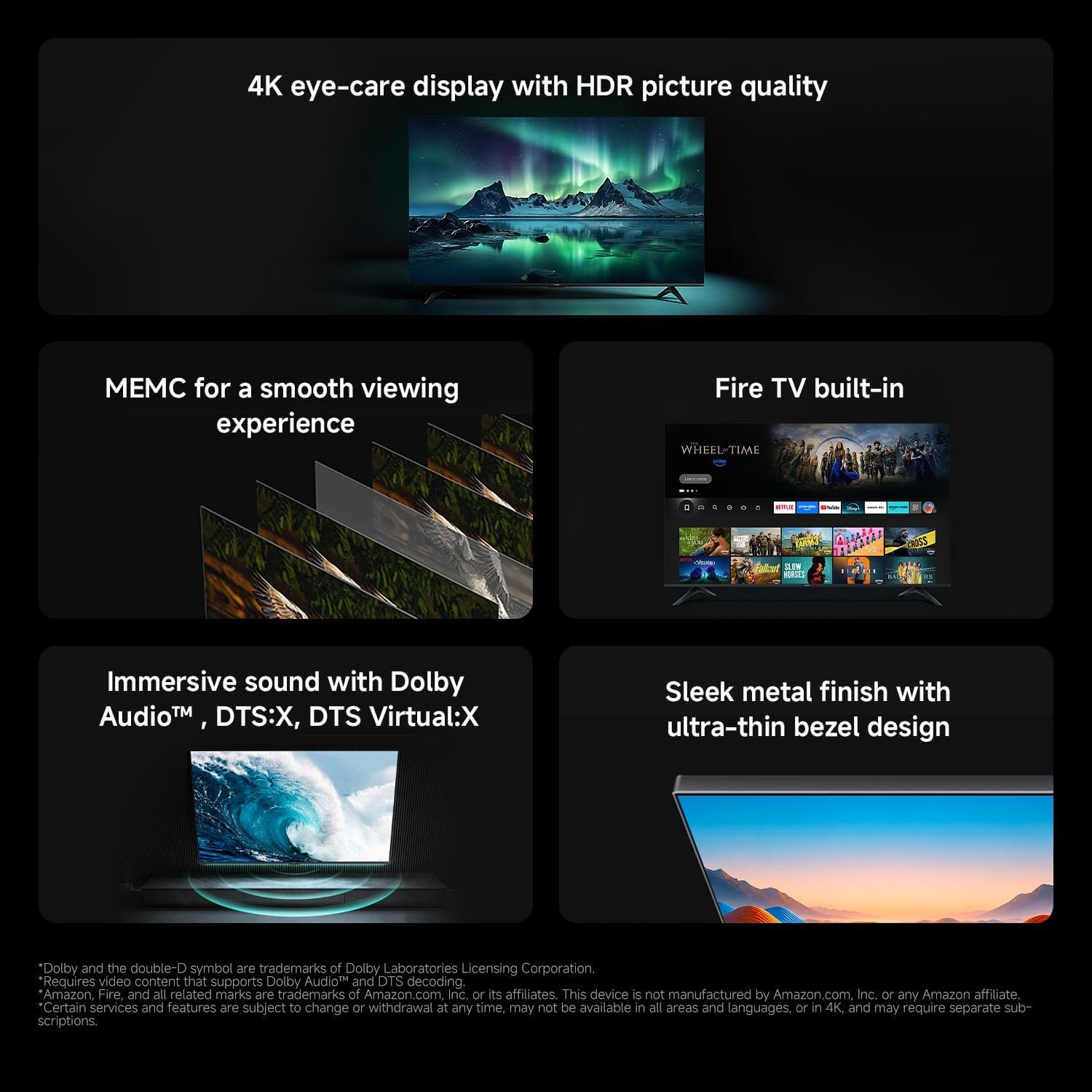
1 4K UHD Image Quality
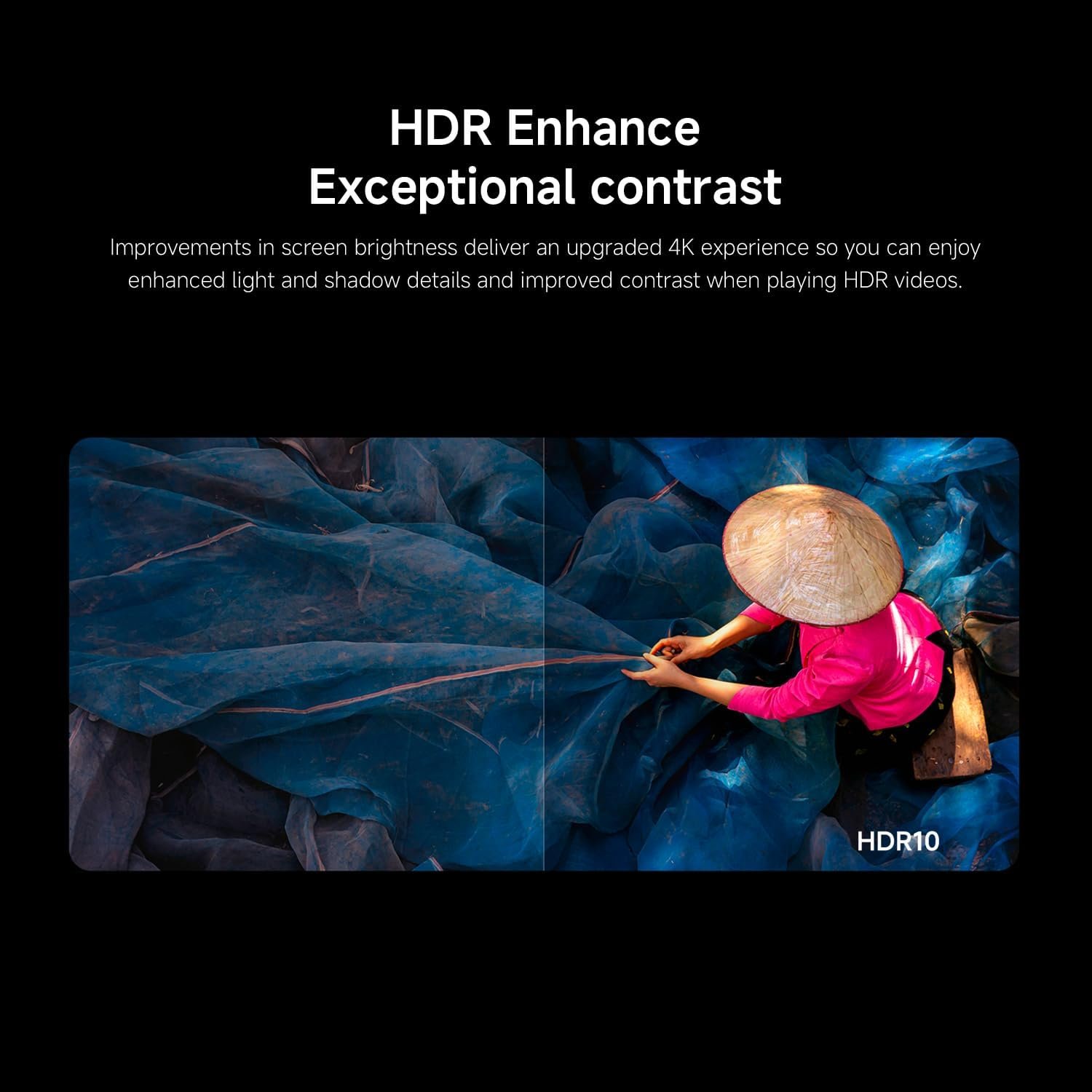
2 HDR Enhance
3 MEMC
4 Game Boost Mode 120Hz
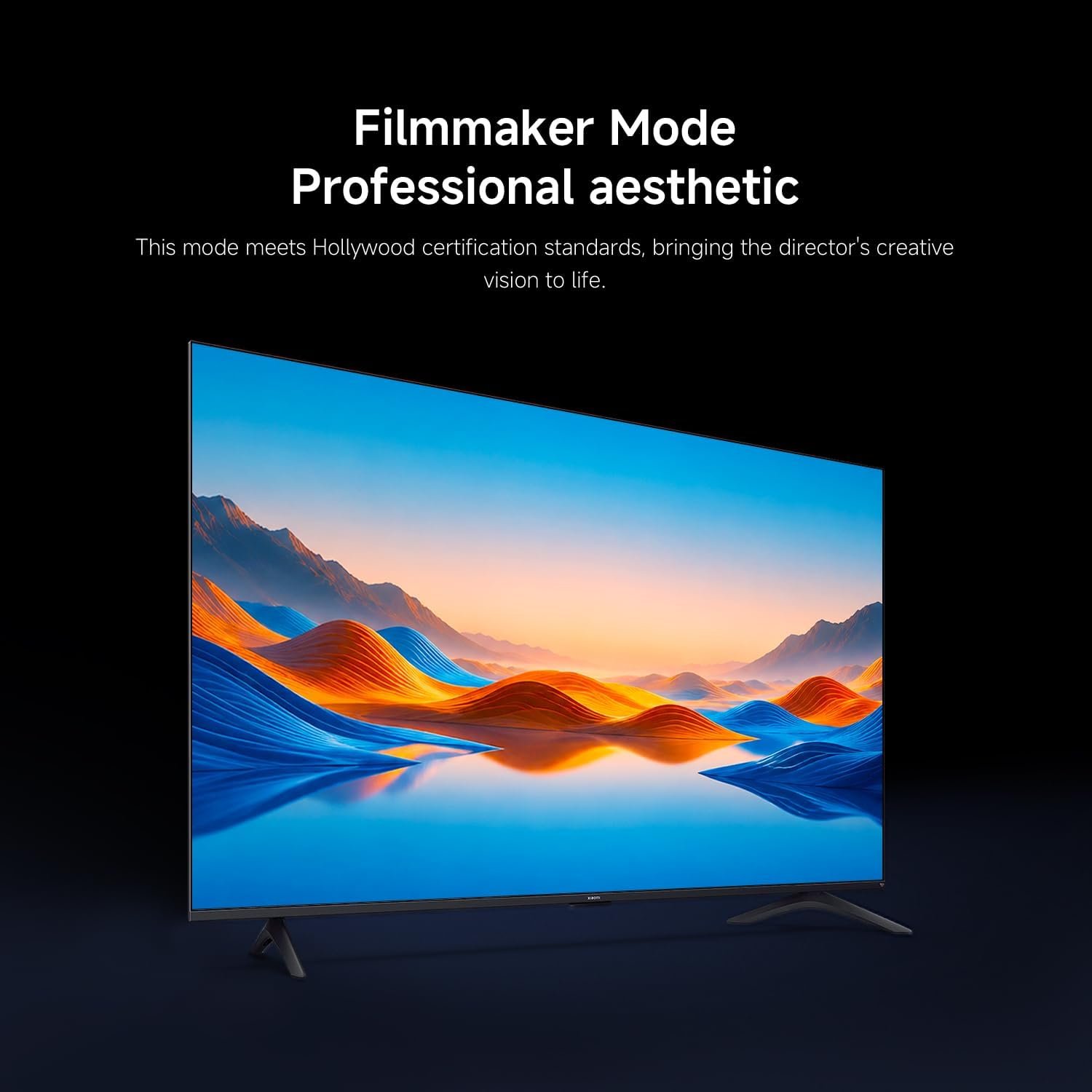
5 Filmmaker Mode
1 Dolby Audio and DTS:X
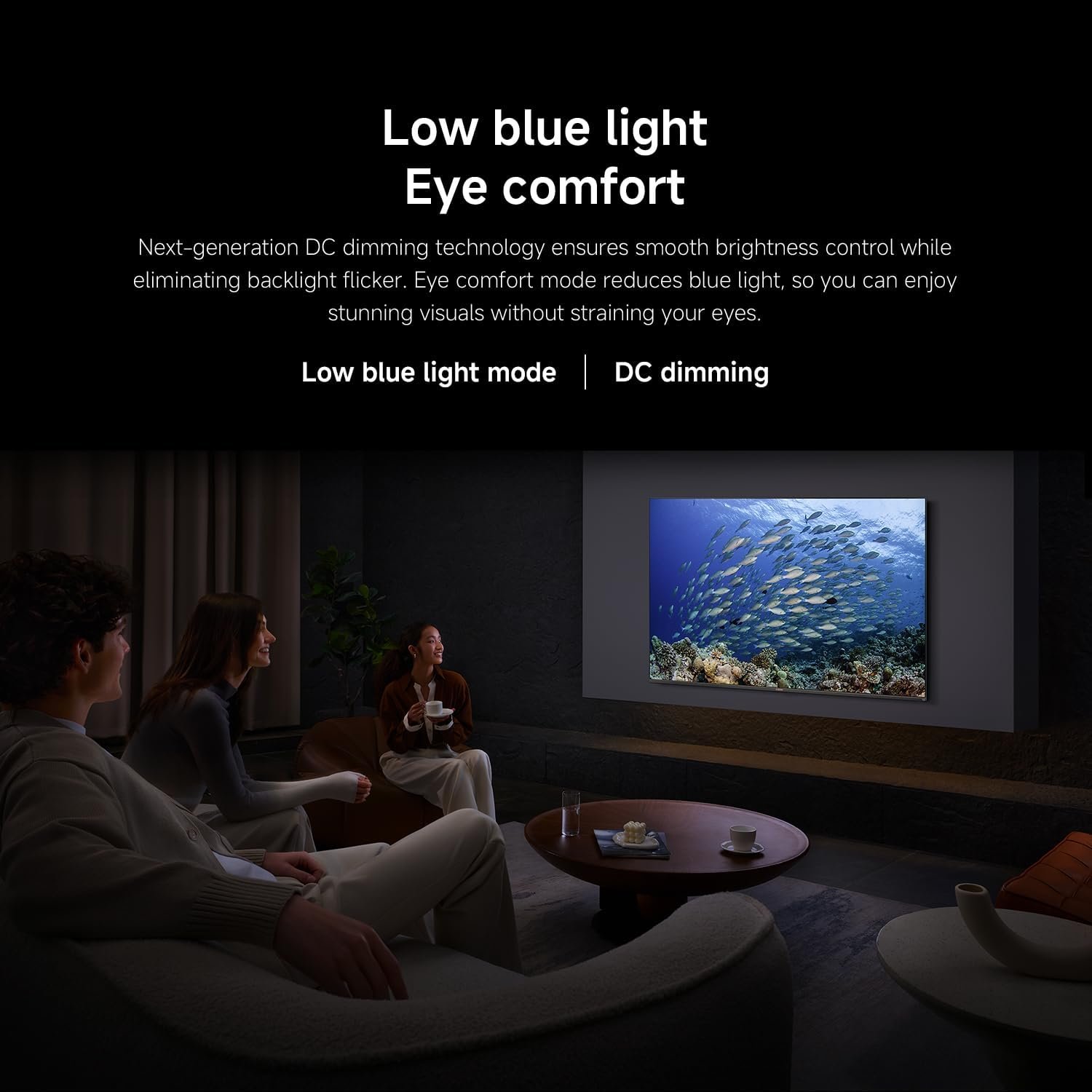
2 Low Blue Light
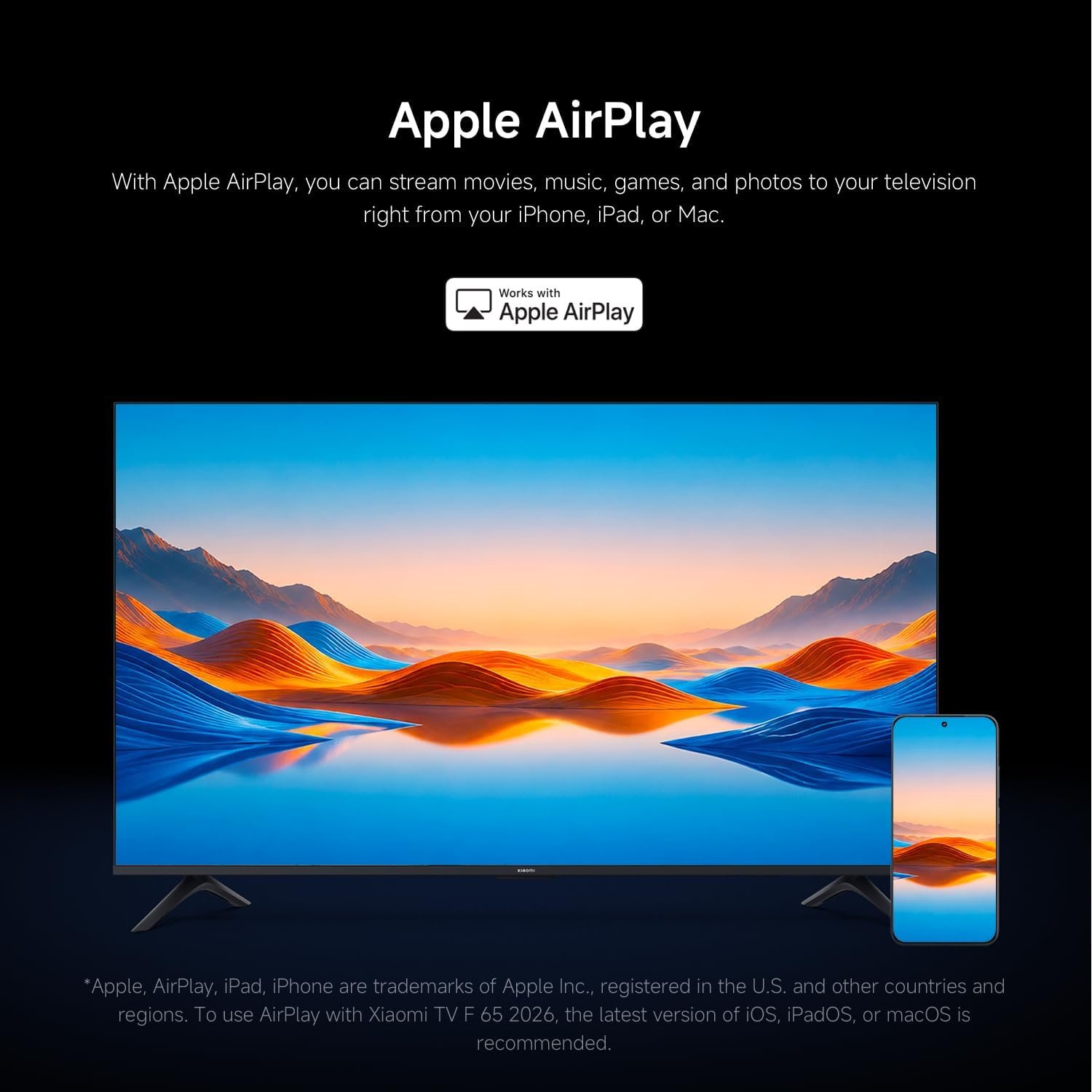
4 Apple AirPlay
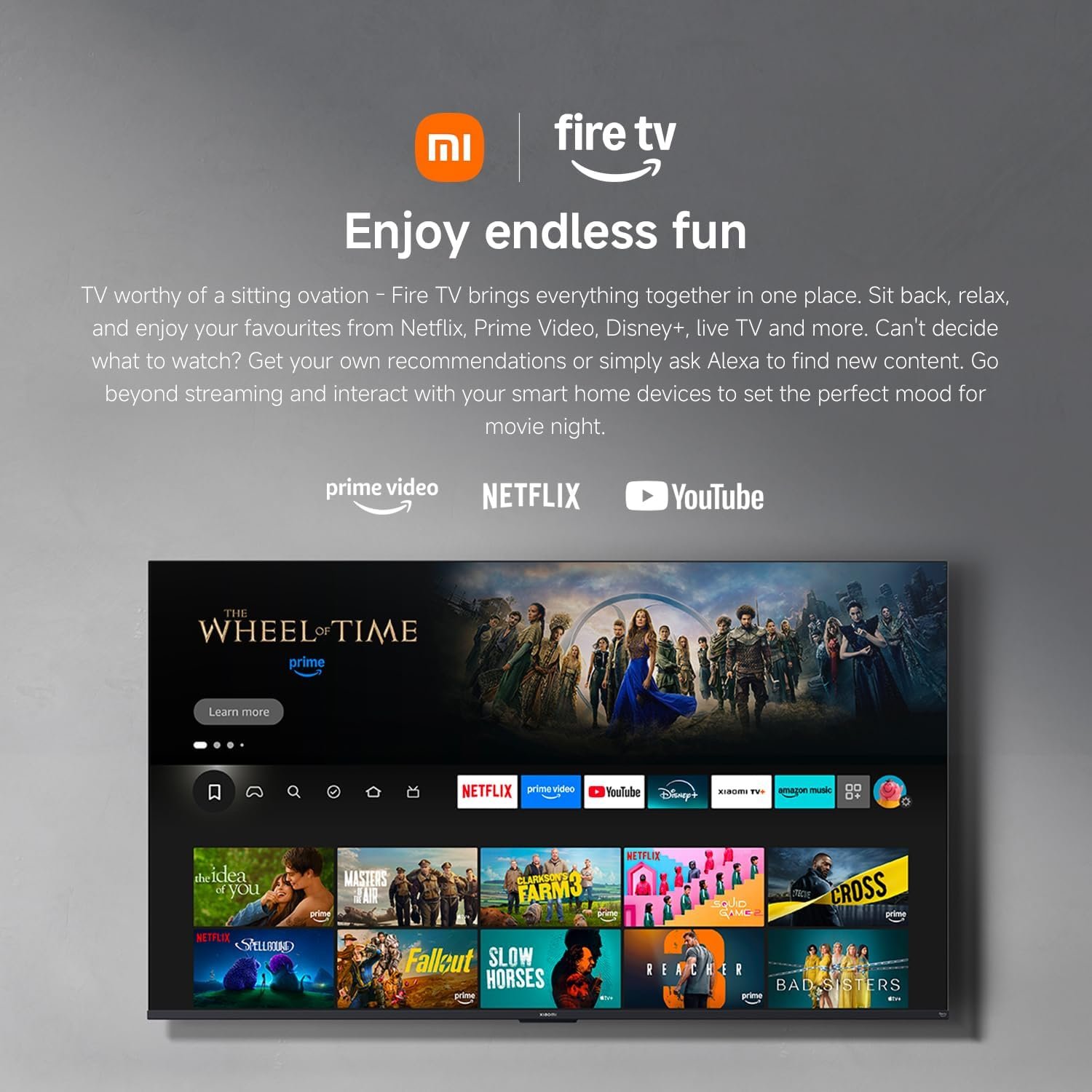
1 Fire TV Built-In
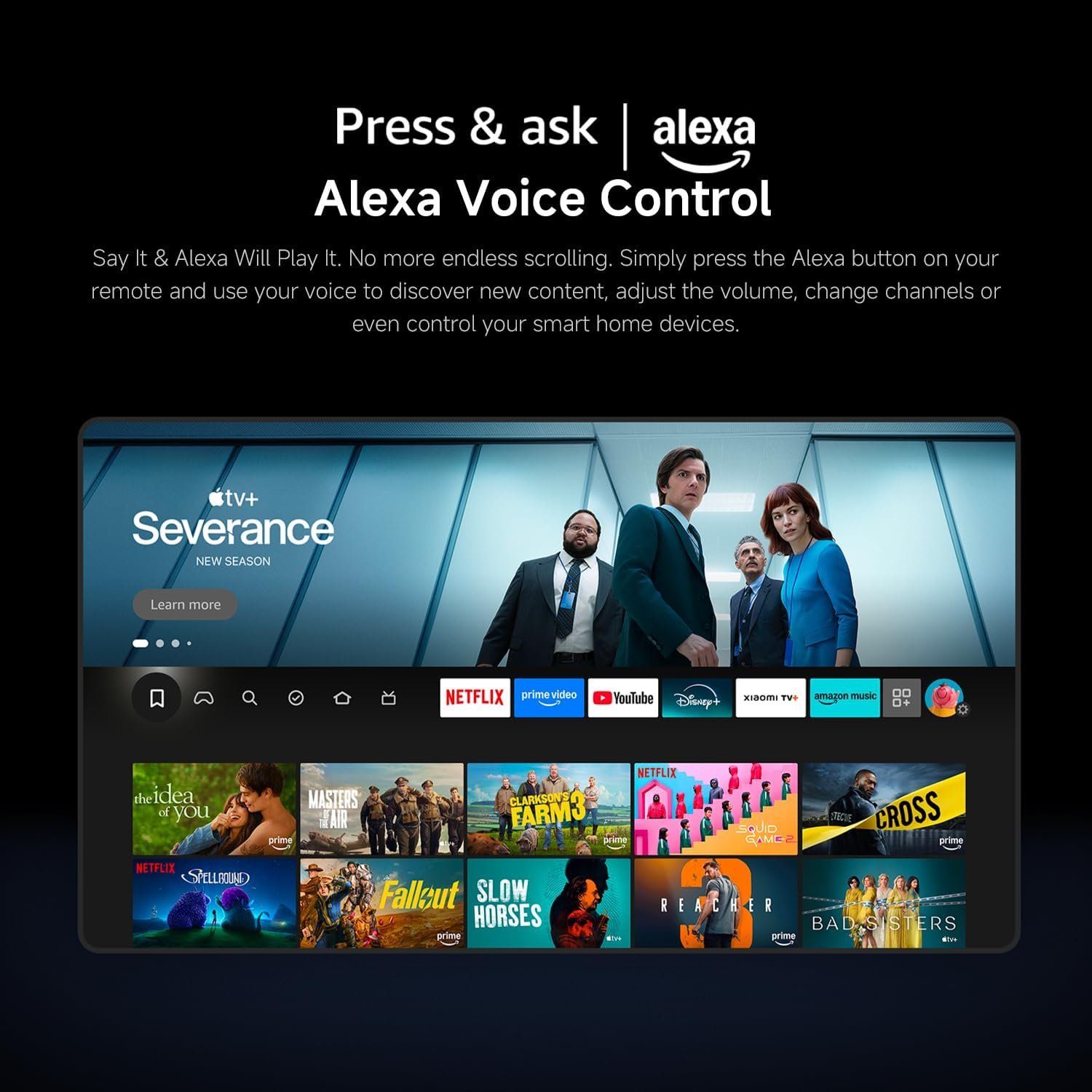
2 Alexa Voice Control
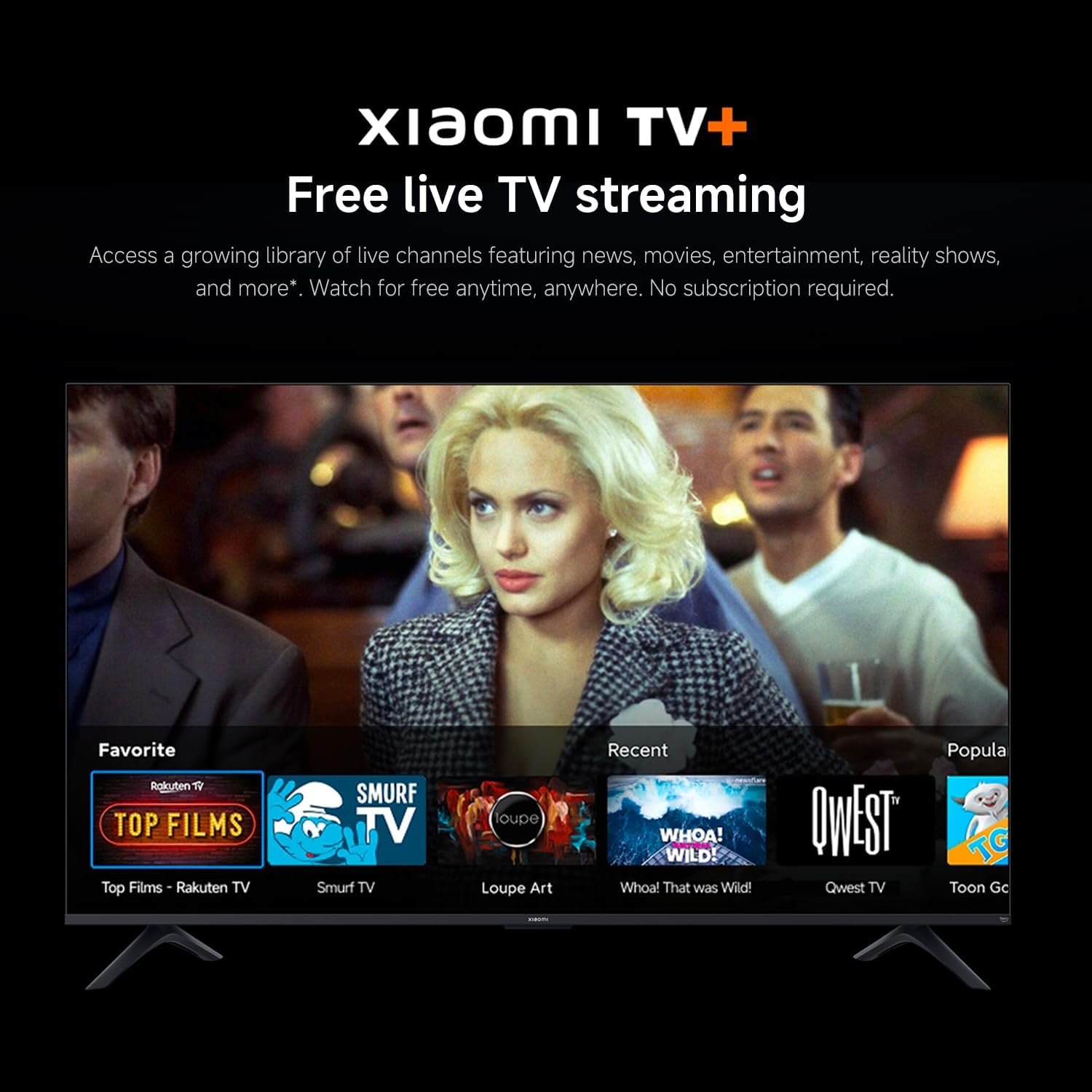
3 Xiaomi TV+ Streaming
1 Ultra-Large Display
2 Full-Screen Display
3 Sleek Metal
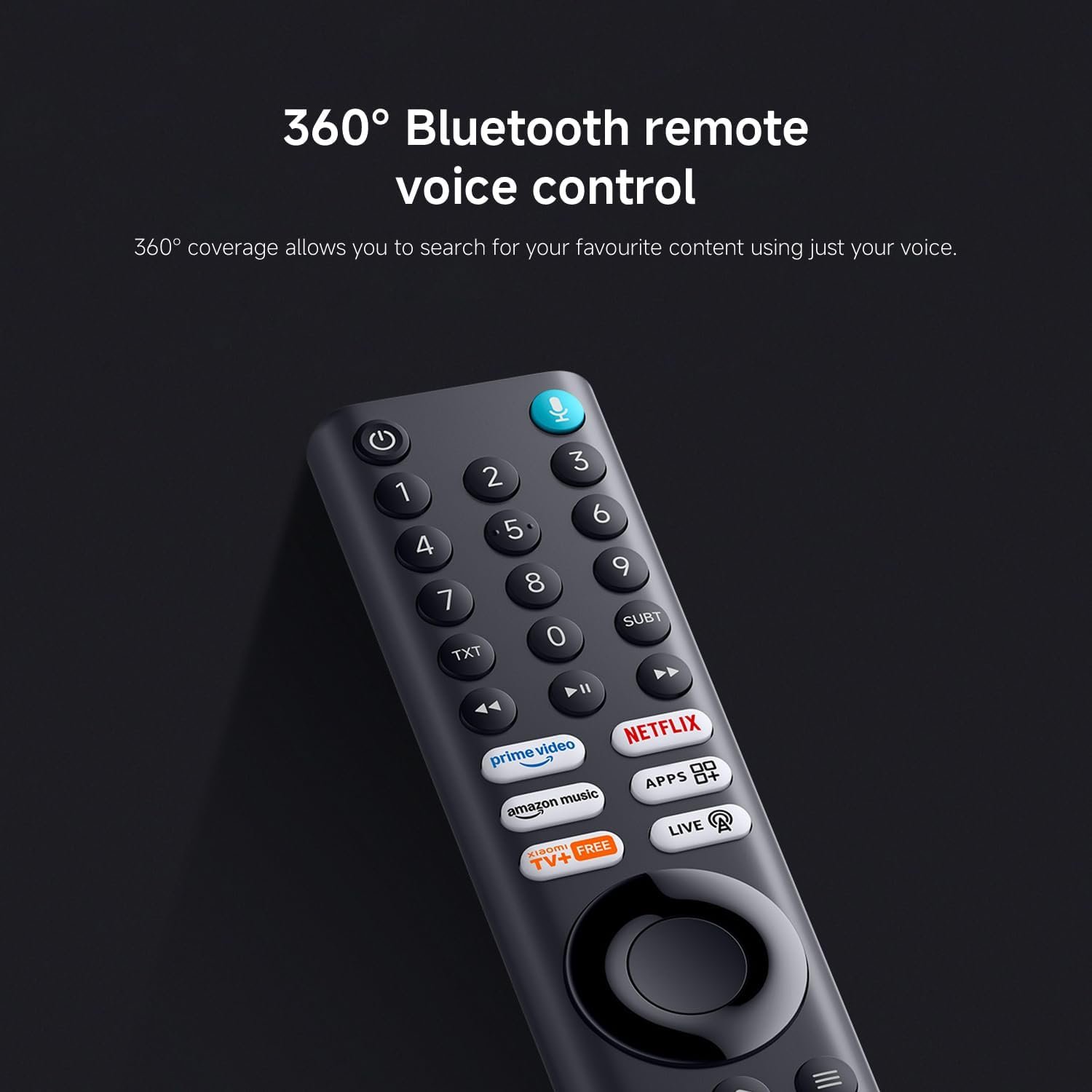
4 360° Voice Control
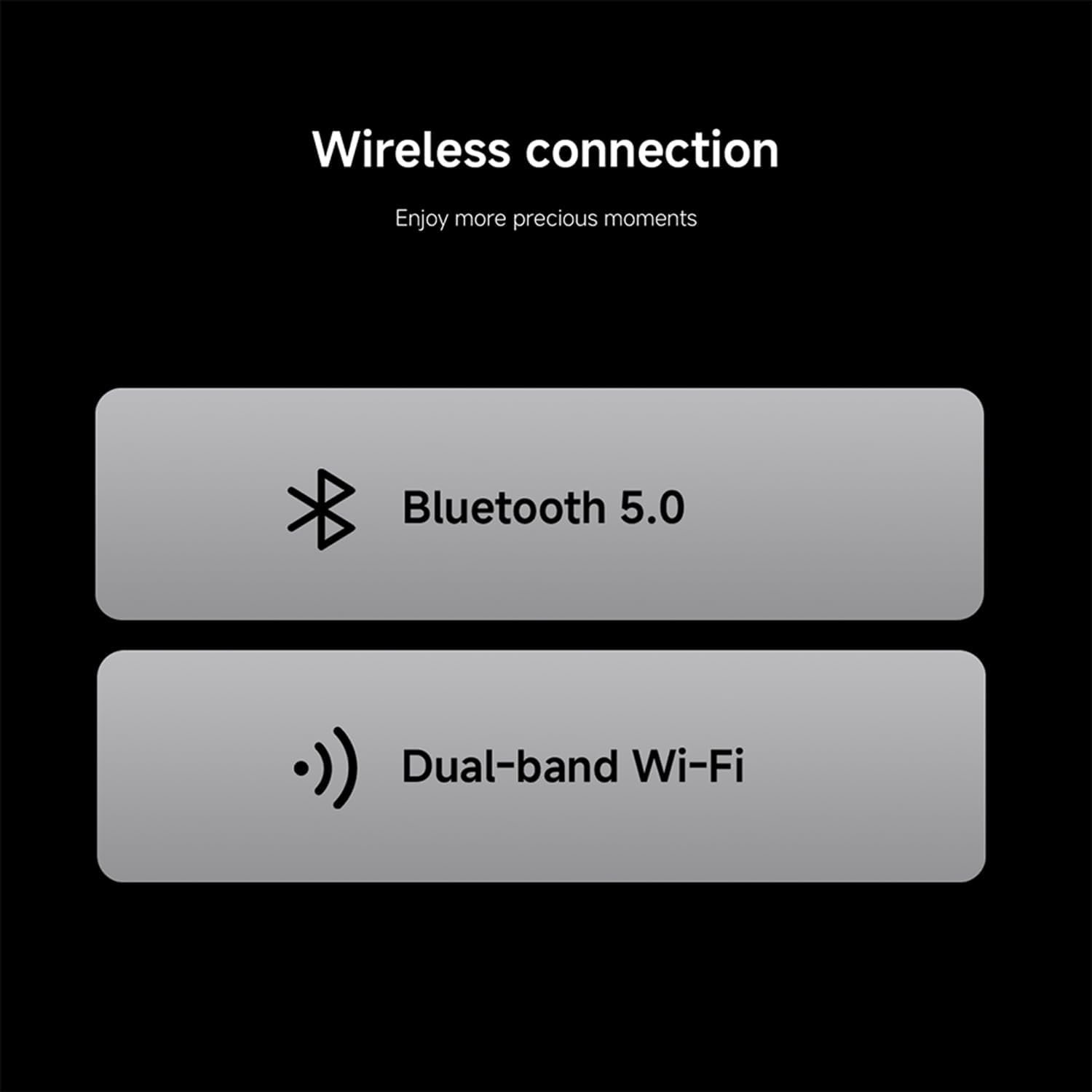
5 Wireless Connection
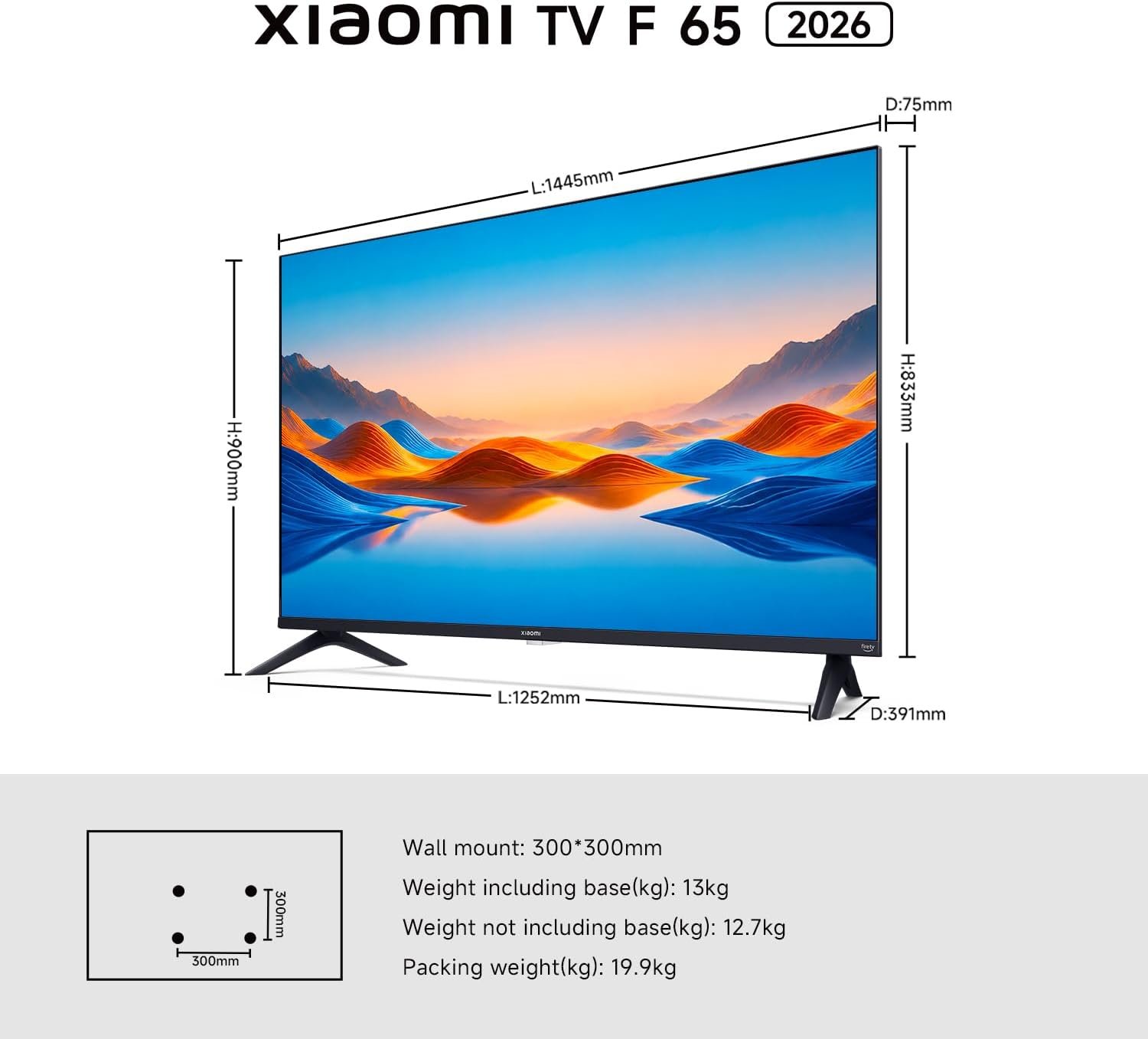
What are the compatible mounts and overall dimensions for this TV, and what is the ideal viewing distance?
“Here are the key specifications for the setup:
Mount Compatibility: VESA 300×300 mm
Screws: ST5.0x4 mm self-tapping
Dimensions (WxHxD): 833 x 1445 x 75 mm (without stand)
Weight: 12.7 kg (without stand); Viewing Distance: ≈2.5m (suggested)”
What does DLG mean, and how to turn it on?
“4K high refresh rate is the panel’s native spec. Dual Line Gate (DLG) doubles refresh rate but reduces clarity.
Enable: Hold Home 3s, go to Picture > Game Mode.”
How to adjust the brightness on this TV?
Open Settings, select Display & Audio > Picture > Backlight, and adjust the brightness using the left/right buttons on the remote control.
How to connect headphones or other Bluetooth devices to this TV?
To automatically search for Bluetooth devices, go to Settings Menu > Remotes and Bluetooth Devices > Other Bluetooth Devices > Add Bluetooth Devices.
Note: Since the device lacks a 3.5mm headphone jack, it currently only supports USB or Bluetooth.
What interfaces does the product have?
Satellite*1 Antenna*1 Network*1 USB2.0*1 HDMI*3 CI*1 AV in*1 Optical*1
4K HDR10: Watch your favorite content in crisp 4K resolution; HDR10 enhances picture quality with better contrast and richer colors; enjoy clearer details in both dark and bright scenes; it’s a big upgrade from standard HD.
Fire TV: Enjoy instant access to thousands of apps like Netflix, Prime Video, Disney+, and more—all from a seamless home screen; browse, stream, and discover new content quickly and easily; personalized recommendations make finding your next favorite show effortless; it’s a smarter, faster way to watch TV.
Alexa Built-in: Say it. Alexa will play it—No more endless scrolling. Simply press the Alexa button on your remote and use your voice to discover new content, adjust the volume, change channels, or even control your smart home devices.
Apple Airplay: Easily stream content from your iPhone, iPad, or Mac directly to your TV with Apple AirPlay; share photos, play videos, or mirror your entire screen wirelessly in seconds; enjoy your favorite content on the big screen without needing extra devices; it’s effortless integration with your Apple ecosystem.
Netflix & Prime Video: Stream movies, TV shows and exclusive originals instantly; enjoy hit series, blockbuster films and award-winning content anytime; with quick access and smooth playback, your favorite entertainment is always ready when you are; just sit back, relax and enjoy the show.