

Description
Price:
£25.49
Price last updated: Oct 01, 2026 04:55:36 UTC
Product Description


Kind Reminder:
How does it work?
Star G640 is not a standalone product. It must be connected to a PC/laptop to work.
What type of interface do you need for connection?
Your computer needs to have a USB Type-A port for the connection. If your computer only has TYPE-C ports, you need an adapter for the connection.
Driver Download and Installation Tips
Before installing the XPPen’s driver, please remove the other brand’s driver from your computer and reboot, otherwise, this might cause conflict problems.
XPPen’s driver will be regularly updated, so please go to our official web to download the newest driver, and install it on your computer.
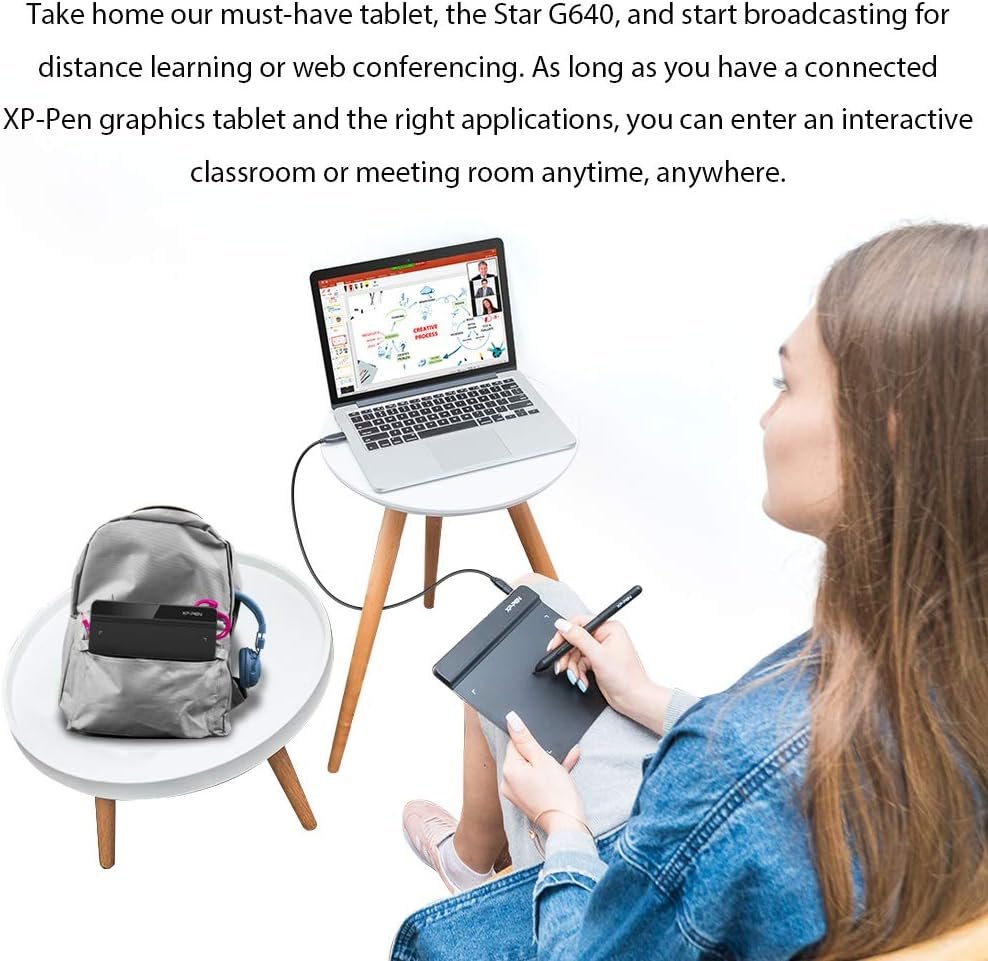
Enter an interactive classroom or meeting anytime and anywhere
Star G640!
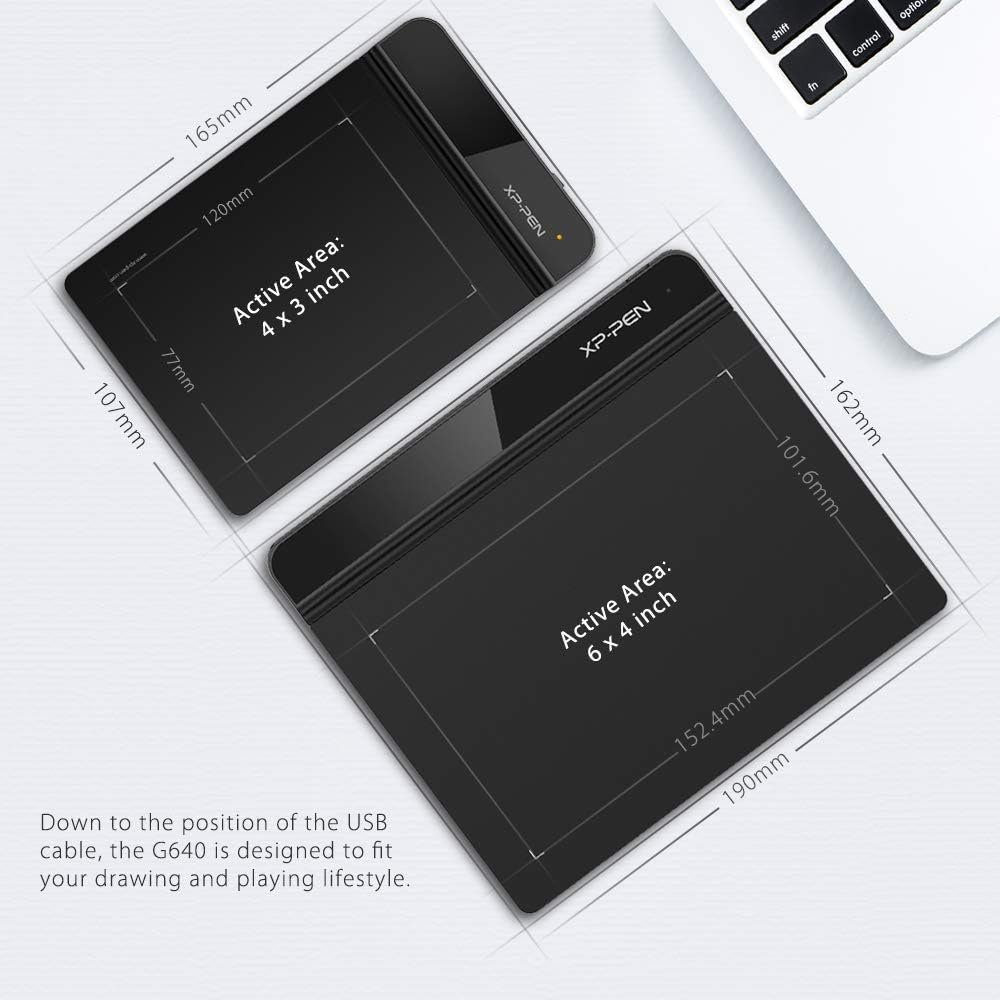
6 x 4-inch working area
This medium-sized tablet is perfect for small work surfaces, enabling you to distance learn effortlessly.
Online Interactive Education
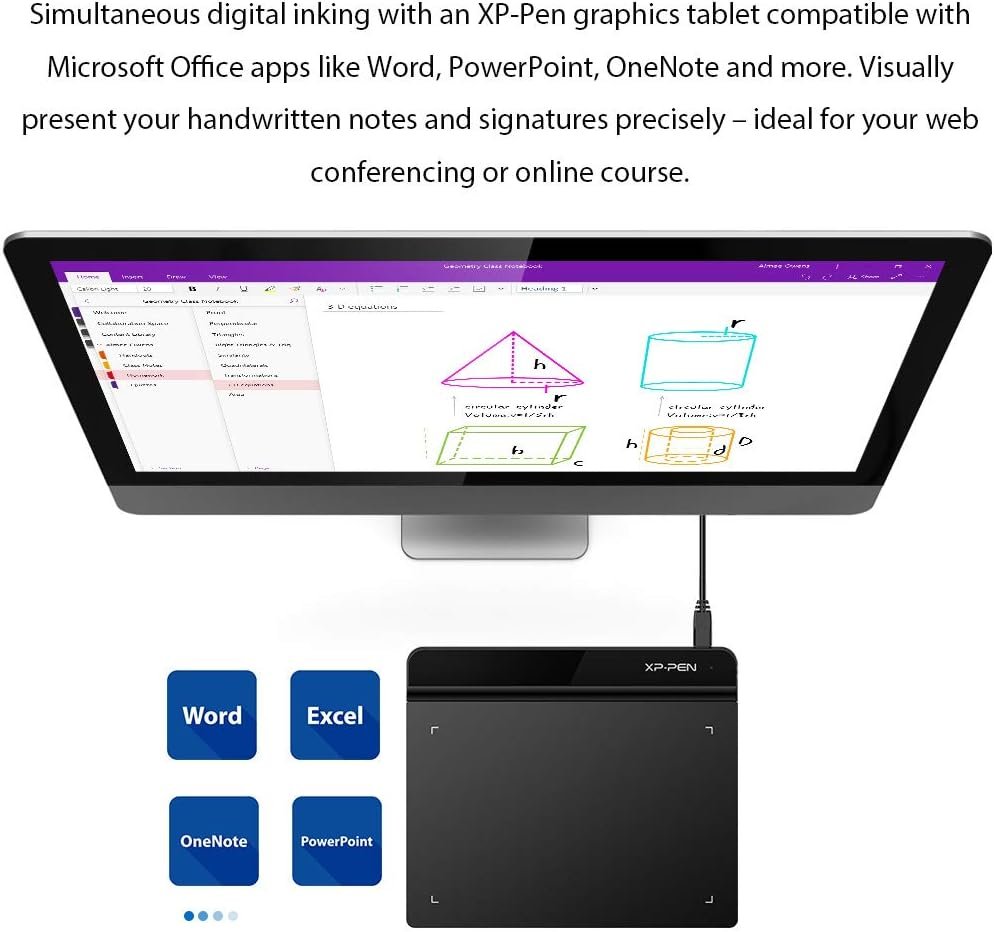
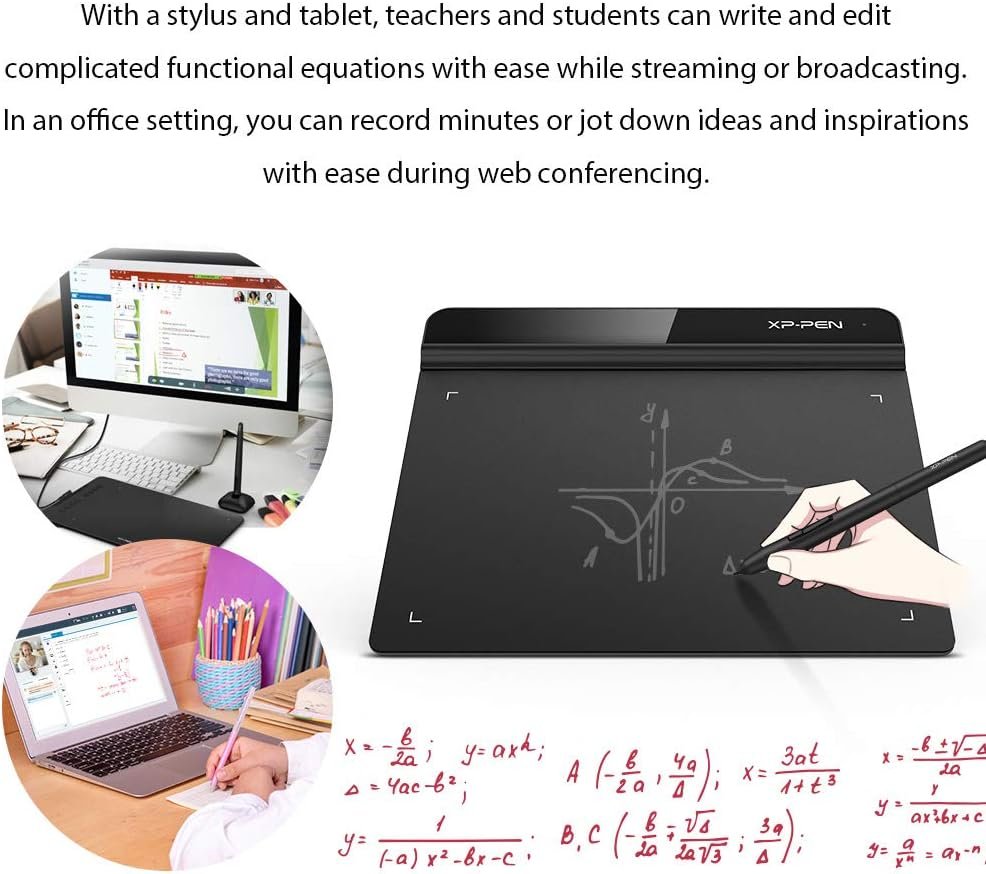
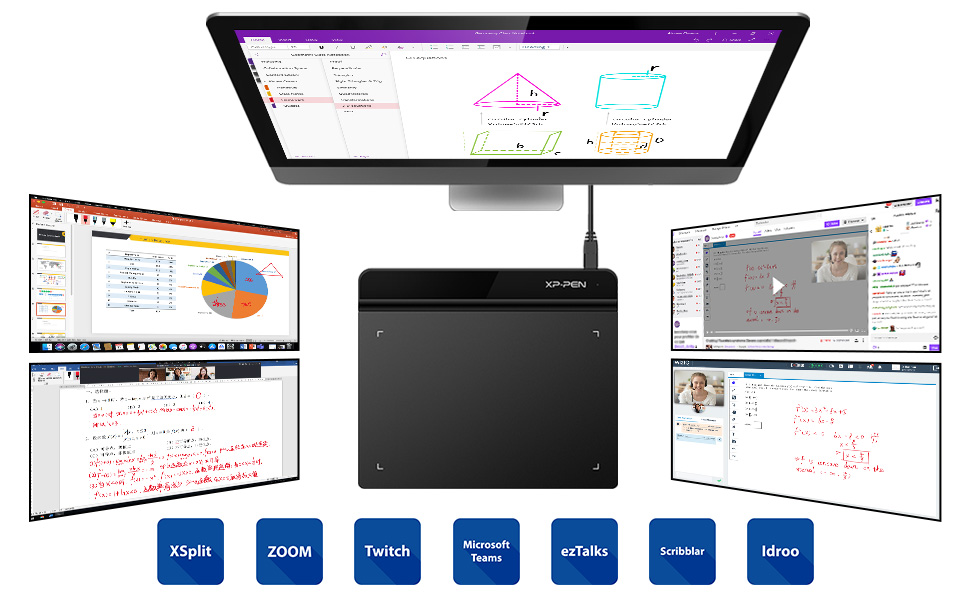
Star G640 tablet supports digital inking in Microsoft Office software like Word, PowerPoint, OneNote, and more, allowing you to simultaneously write with ink and visually present handwritten notes and signatures, thus allowing the flow of the problem-solving process or creative ideas to be presented intuitively and efficiently. Engage, inspire, and immerse students in an interactive classroom more than ever.
Online Interactive Meeting
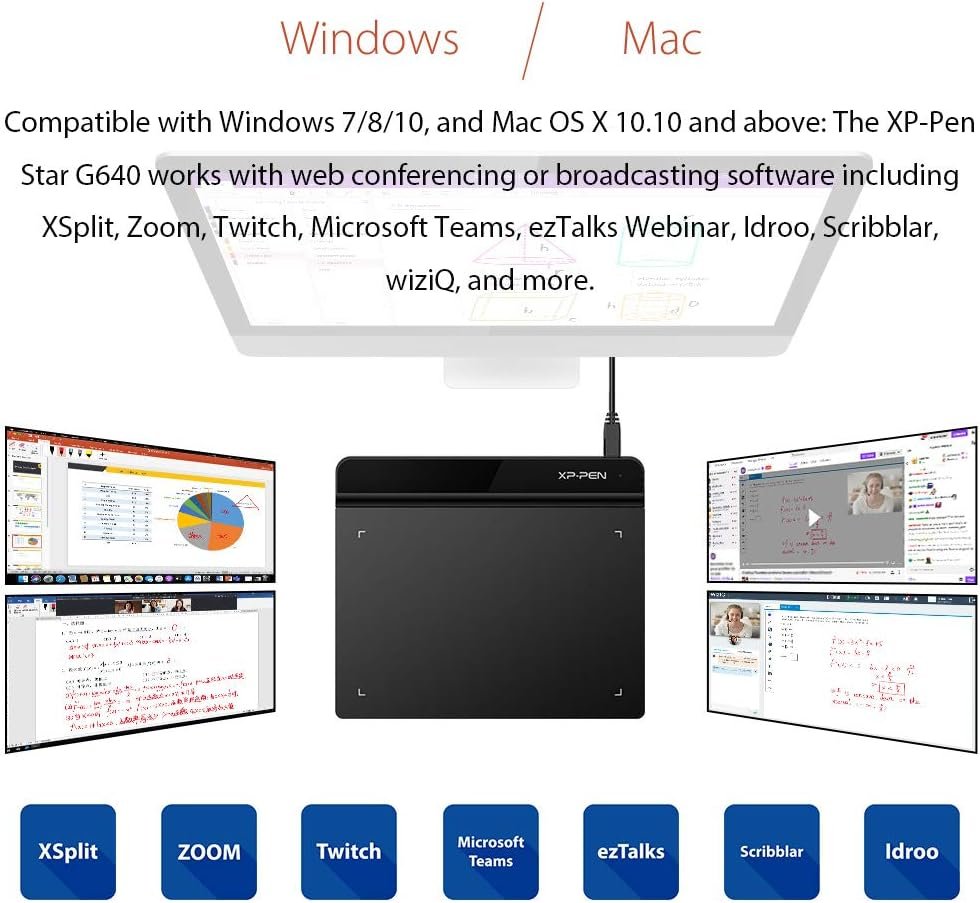
As long as you have a connected G640 tablet and the right applications such as Zoom, Microsoft Teams, ezTalks Webinar, and more, you can annotate your presentations, record minutes, jot down ideas and inspirations, or sign PDF documents with ease during web conferencing. Moreover, you can draw simple diagrams, arrows, and other marks on your presentation instantly, and also allow your audience to highlight issues or make suggestions that all attendees can see quickly and easily.

Faster and More Accurate
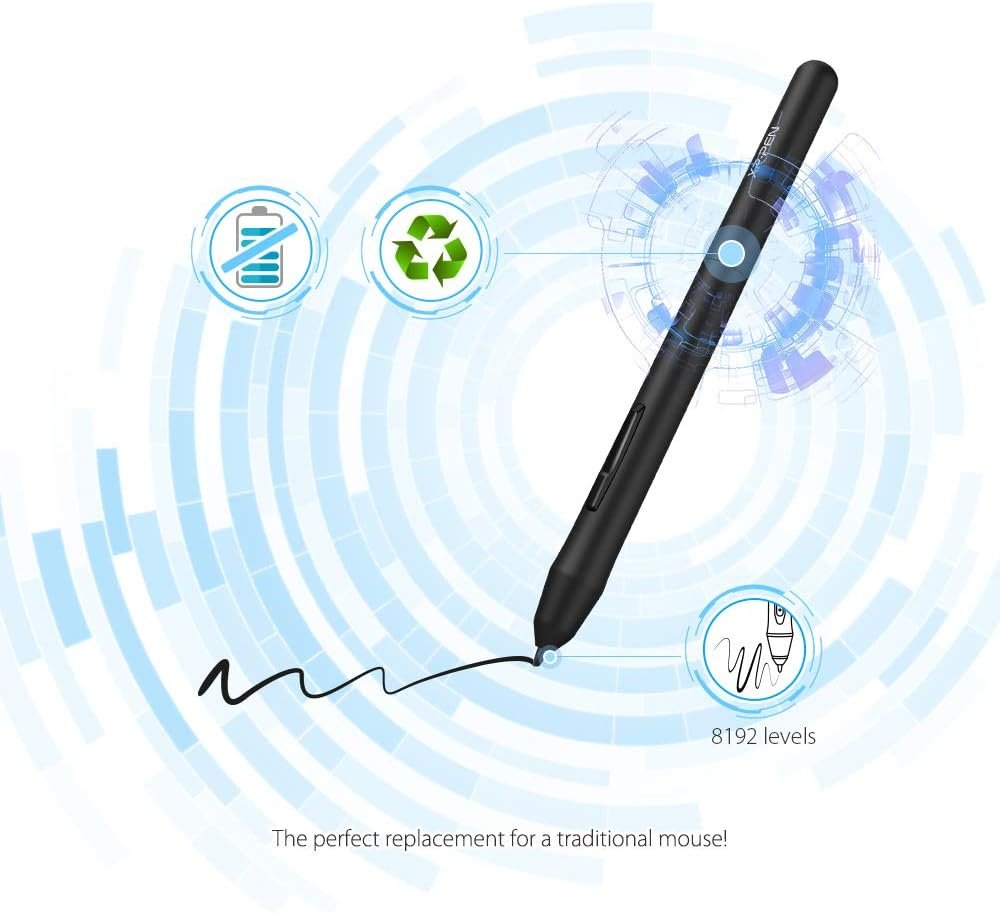
8192 levels of pressure sensitivity, giving it the intelligence to modify, navigate, and create with a full pallet of brushes and pens.
The Report Rate of the G640 has increased to 266 RPS, to make lines flow smoother and perform better, working faster and more efficiently.

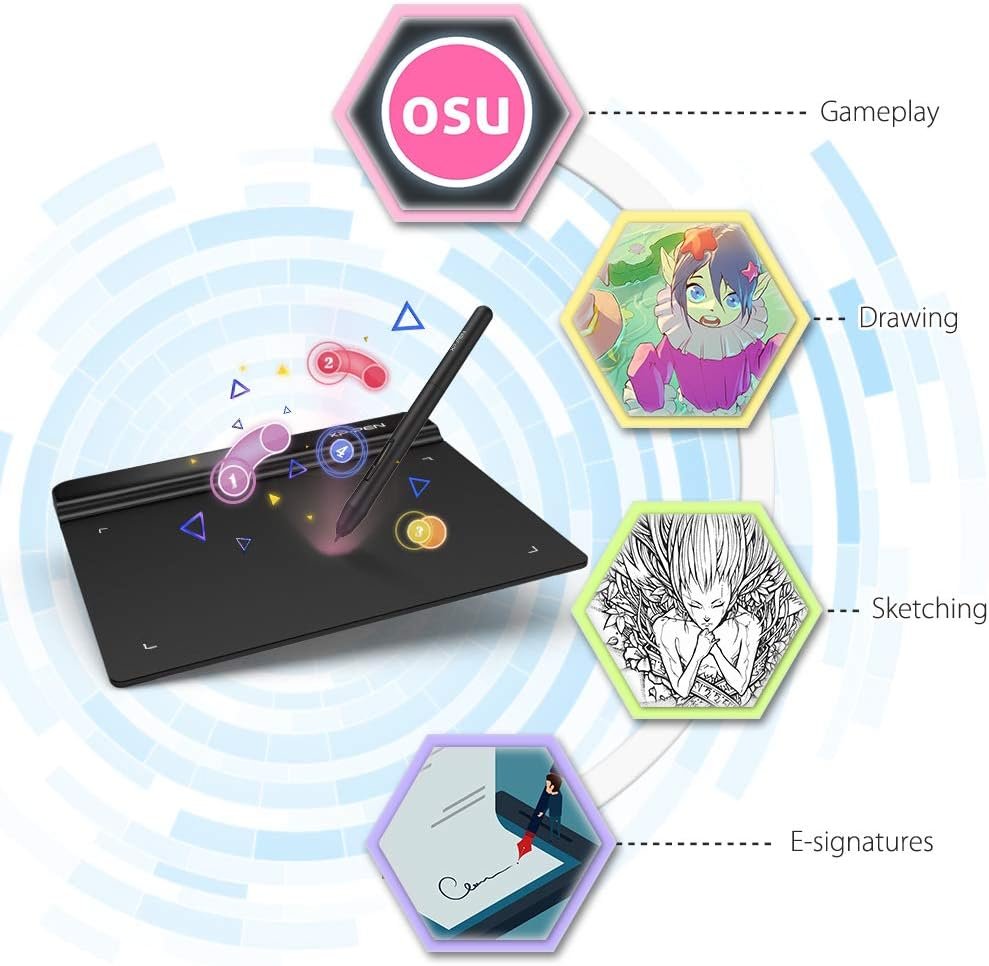
Designed for OSU
Special for OSU! gamers! You do not need any driver software to use the tablet for OSU! Battery-free, sensitive brush, allowing you to play with music and enjoy the game.
Suitable for both right and left-hand users, now you can set it to left-hand or right-hand mode through easy access.

Compatible with most Operating Systems and applications
Compatible with Windows 10/8/7, Linux (Detailed versions), Mac OS version 10.8 and above. Also compatible with many major drawing software such as Photoshop, SAI, Painter, Illustrator, Clip Studio, and more.
Have fun with XP-PEN G640!

Wider and More Convenient
Compared to the G430, the G640 provides a wider active area for drawing & gameplay! Down to the position of the USB cable, the G640 is designed to fit your drawing and playing lifestyle.
Synchronize with Adobe Acrobat Reader DC signature Application, satisfied with the need for a digital business signature.

Passive Electromagnetic Technology
The P01 works just like a real pen, no battery and no charging required, convenient for both you and the environment.
The incredibly ergonomic, allows you to draw as smoothly as if you were drawing with pencil and paper. One-click toggle allows you to switch the function between Pen and Eraser constantly.

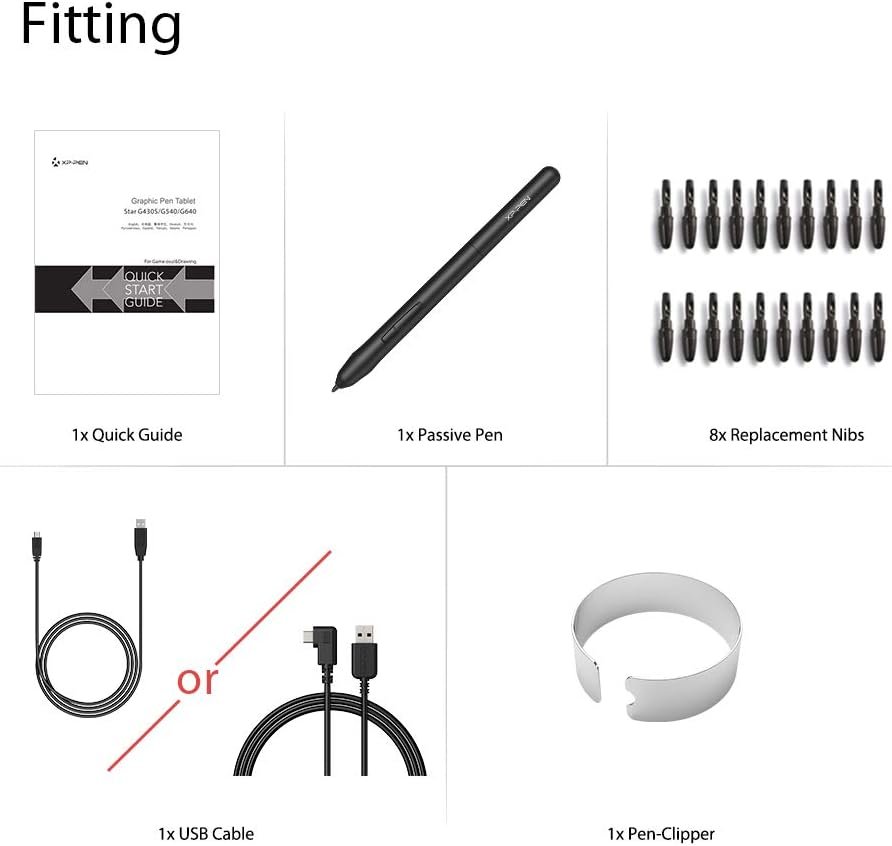
What’s in the box?
1x Tablet
1x USB Cable
1x Passive Pen
1x Quick Guide
20x Replacement Nibs
1x Pen-Clipper


New Bundled Software
Explain Everything is the most versatile digital whiteboard on the market. It’s used worldwide by millions of teachers, educators, tutors, kids, and students. Whether you need to create a presentation or explainer video, guide or task others, explain any topic, or design a project, this one is for you.
You can quickly share the results of your thinking with others or collaborate on a project with a group.
How to obtain your software:
Step 1: Create or log into your XPPen account.
Step 2: Certify your purchase’s serial number.
Step 3: Select a software option, find the activation key of the software, and visit the corresponding page to install it.
Specifications: Active area: 6”x 4” Stylus Pen: P01 Passive Pen Pressure Sensitivity: 8192 Levels Resolution: 5080 LPI (Lines Per Inch) Accuracy: ±0.01 Inch Reading Height: 10 mm Color Option: Black Compatibility: Windows 10/8/7(32/64bit), Linux (Detailed versions), Mac OS X version 10.10 or later
Designed for OSU! gameplay, drawing, painting, sketching, E-signatures etc.. No need to install drivers for OSU! Designed for both right and left hand users
XP-PEN advanced Battery-free stylus does not require charging, allowing for constant uninterrupted Draw and Play
Active Area: 6 x 4 inches Fully utilizing our 8192 levels of pen pressure sensitivity―Providing you with groundbreaking control and fluidity to expand your creative output
Visually present your handwritten notes and signatures by using the G640 and Microsoft Office apps like Word, PowerPoint, OneNote and more. Ideal for your web conferencing or online teaching needs.
G640 Drawing tablet supports Windows 10/8/7(32/64bit), Mac OS X version 10.10 or later, Linux (Detailed versions). Compatible with many graphics software programs like Adobe Photoshop, Corel Painter, CorelDraw, SAI, Infinite Stratos, 3D MAX, Autodesk MAYA, Pixologic ZBrush and more